Introduction 23
Before Use
Unit Settings
In addition to settings for navigation and audio operations,
the following settings can be performed for the unit.
• Bluetooth setting (See Page 24.)
• Interface Customization (See Page 25.)
• Opening screen setting (See Page 26.)
• Time zone setting (See Page 27.)
• Link to Day/Night View setting (See Page 28.)
• Voice recognition setting (See Page 30.)
• Guide tone setting (See Page 31.)
• Aha Setting (See Page 32.)
• Deleting Personal Data (See Page 33.)
• Initializing Settings menu (See Page 34.)
• Language setting (See Page 35.)
Various Unit Settings
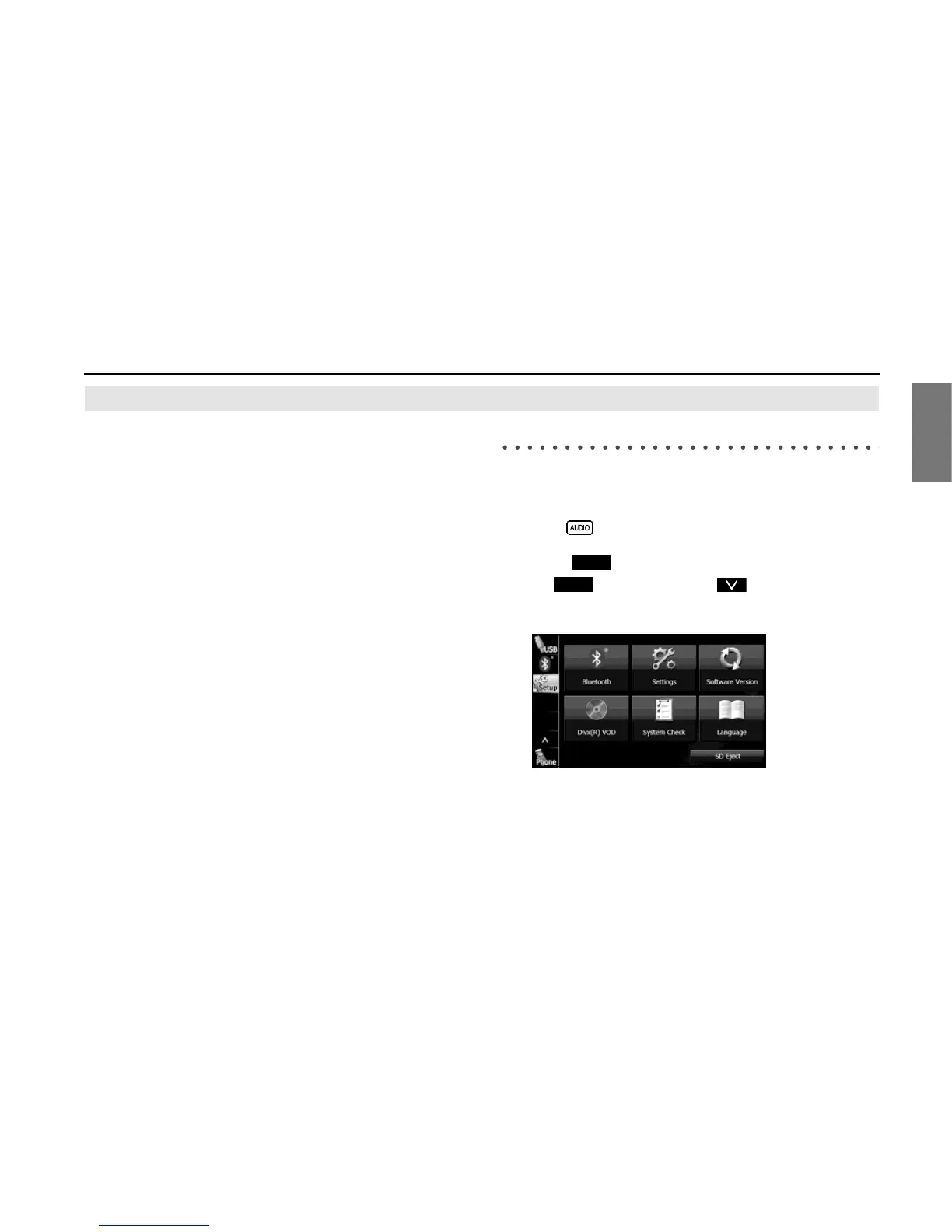
■ Displaying the Setup screen
Display the Setup screen to perform various settings.
1 Press .
2 Touch .
• If is not displayed, touch .
3 Touch the button that you want to set.
Setup
Setup














 To Next Page