190 Audio and Visual
Basic Operation
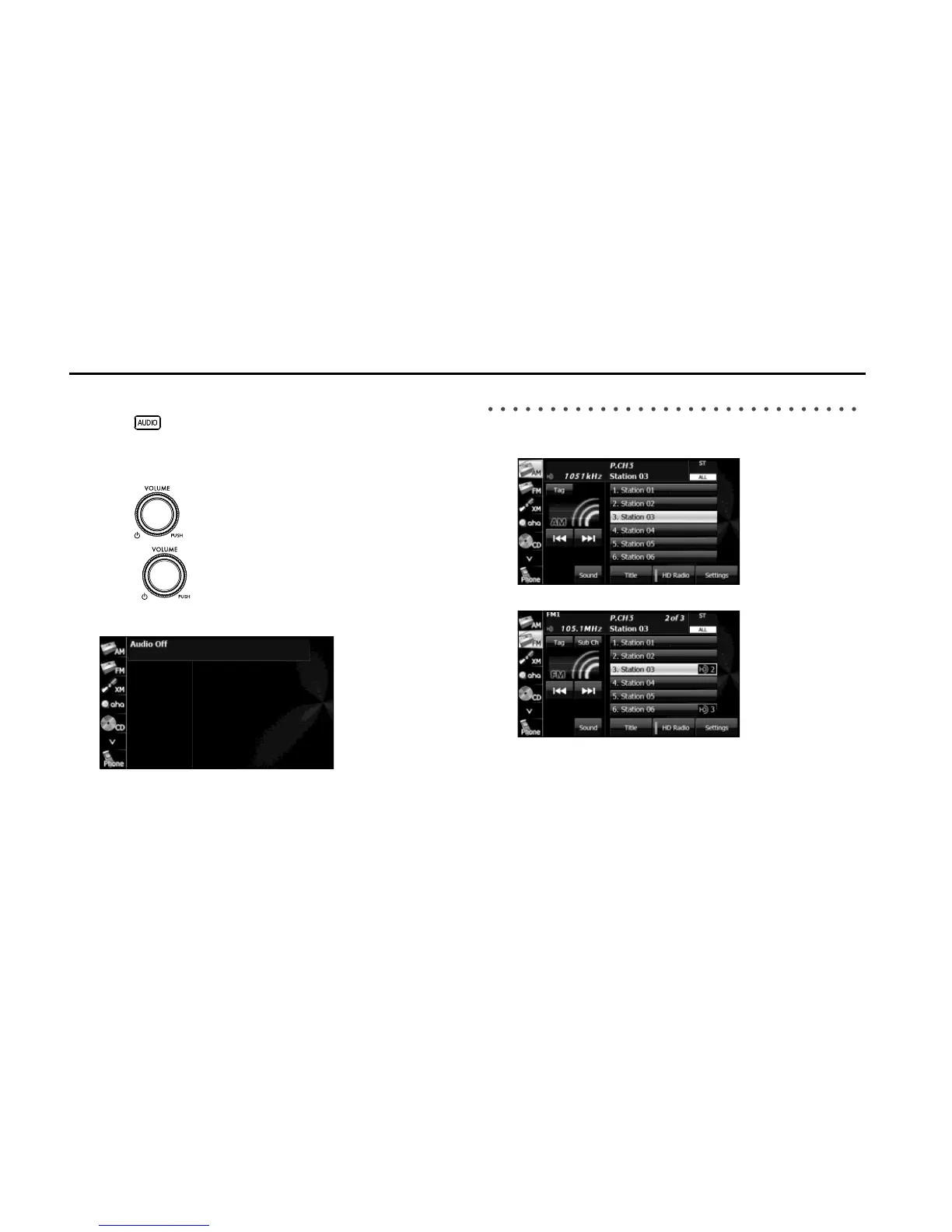
■ Displaying the Audio Operations Screen
1 Press .
■ Stopping the Audio Mode
1 Press (POWER/VOL).
• Press (POWER/VOL) again to receive the station you
were receiving, the music you were playing or the video you
were playing before you stopped the audio mode.
Source Operations Screen
The operations screen for the audio sources are as follows.
<Radio (AM) operations screen>
<Radio (FM) operations screen>















 To Next Page