146 Navigation
Navigation
Saving a Position to the Destination List
The destination list is a list of frequently used destinations.
You can add any destination to this list. See “Selecting the
Destination from the Destination List” on Page 129 for more
details on searching for a route using a destination from the
destination list.
1 Select a destination.
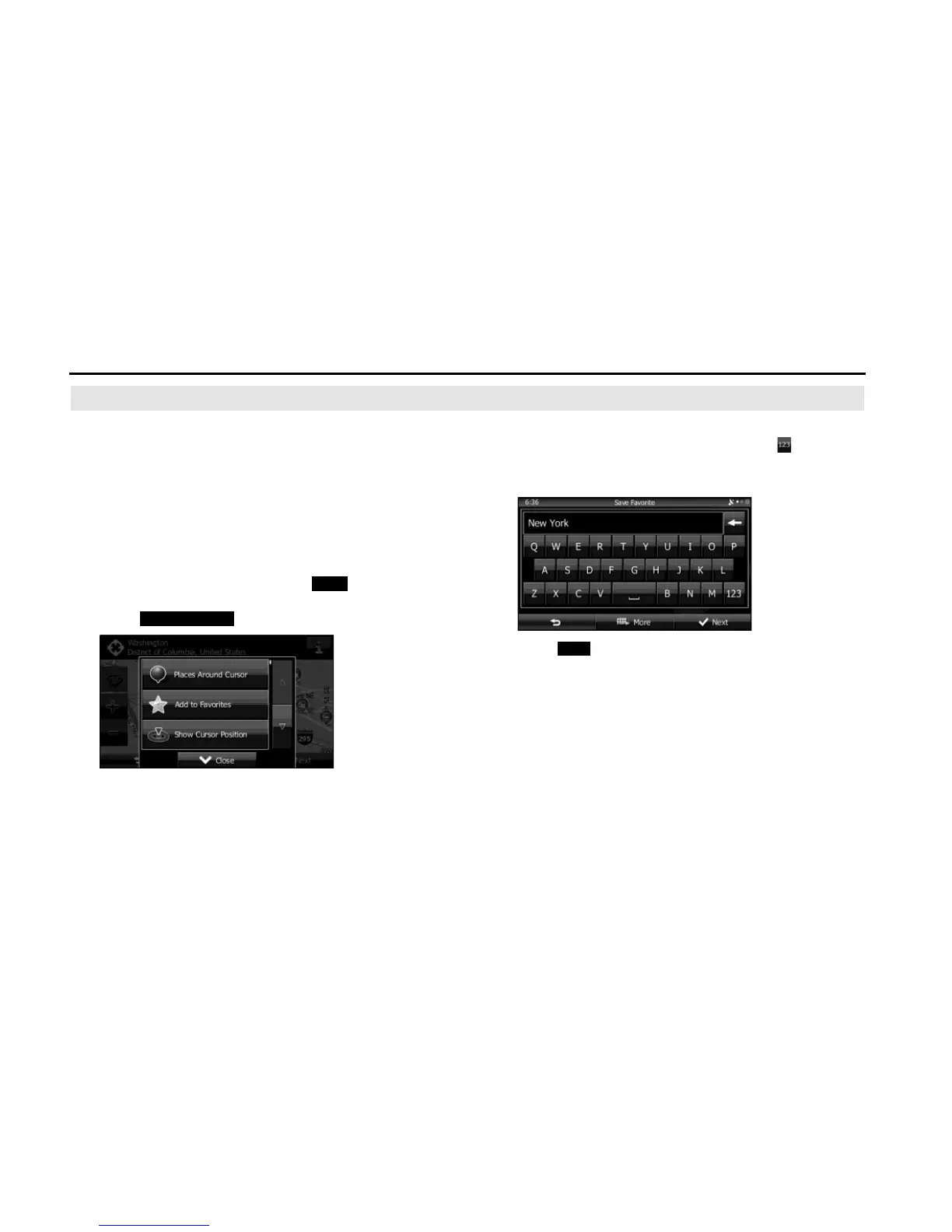
2 When the map is displayed in full-screen mode with the
selected point at the center, touch (More).
3 Touch (Add to Favorites).
4 (Optional) You can use the keyboard to change the initial
display name in the destination list. Touch to enter
numbers or symbols.
• For the keyboard, see “Using the Keyboard” on Page 84.
5 Touch (Next) to save the position as a new entry on
the destination list.
More
Add to Favorites















 To Next Page