174 Navigation
Further Information
Display Connection Status Information
You can check the connection between the unit and the
vehicle, such as GPS information, parking signals and so on.
Display Connection Status Information
1 Press .
2 Touch .
• If is not displayed, touch .
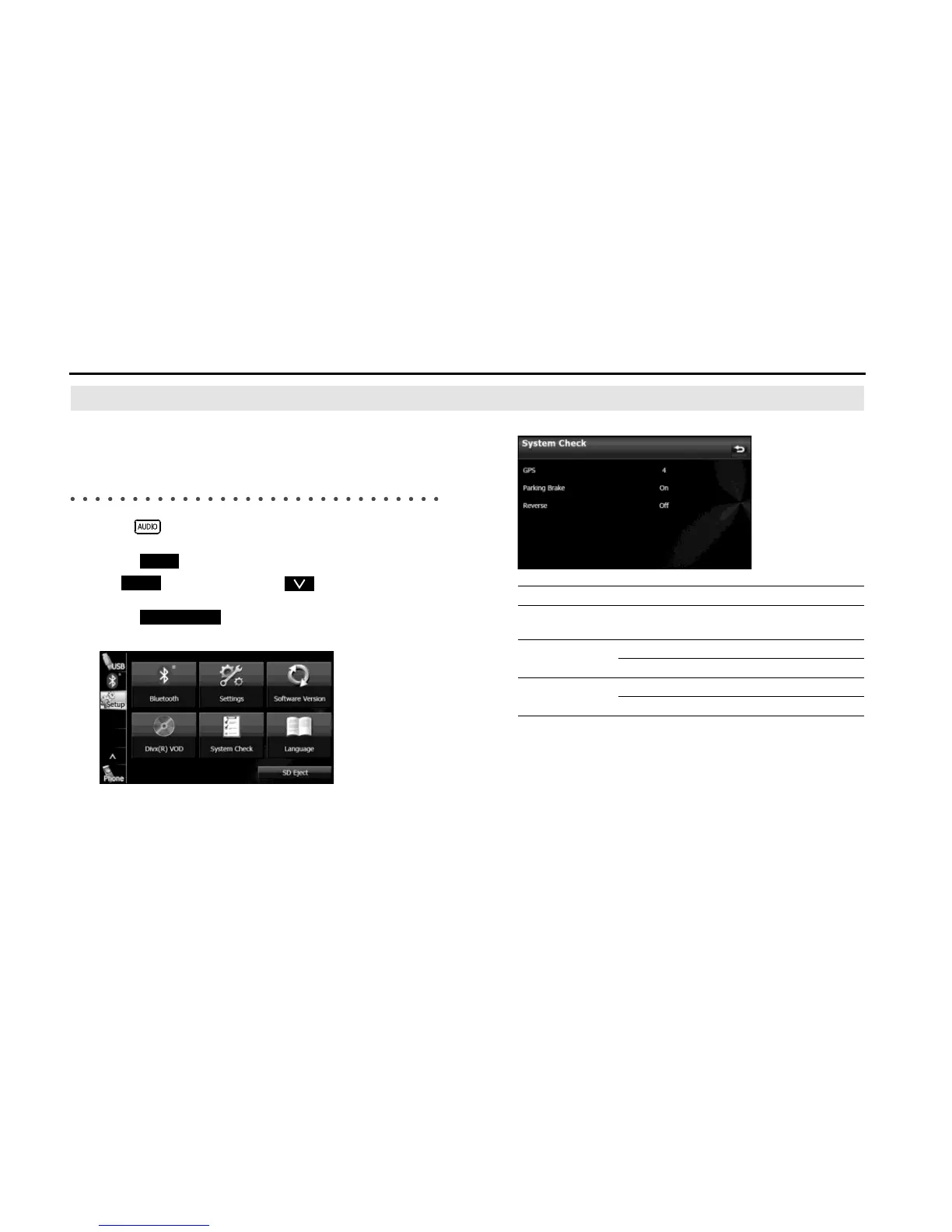
3 Touch (System Check).
• Displays the connection status information screen.
<Connection status information screen>
Information Content
GPS information Displays the number of GPS satellites currently
sending information.
Parking signal On When the parking brake is applied.
Off When the parking brake is not applied.
Reverse signal On When shifting into reverse.
Off When shifting into another gear.















 To Next Page