144 Navigation
Navigation
• (Fast):
Searches all roads for the quickest route following the speed
limits of the roads.
• (Short):
Searches for the shortest distance in all possible routes.
• (Green):
Searches for the route that conserves the most energy, taking
into account the merits of “Fast” and “Short”.
• (Easy):
Searches for a route that is easiest to drive, with few right and
left turns. Using this option, the program allows you to avoid
combinations of smaller roads and to take the expressway.
6 Touch to return to the previous screen. The route is
searched again using the selected method. The new
recommended route is indicated by an orange line.
Changing the Road Categories used for the
Route Search
You can use the following method to search the current route again
using different road categories. This can also be changed in Settings.
(See Page 161.)
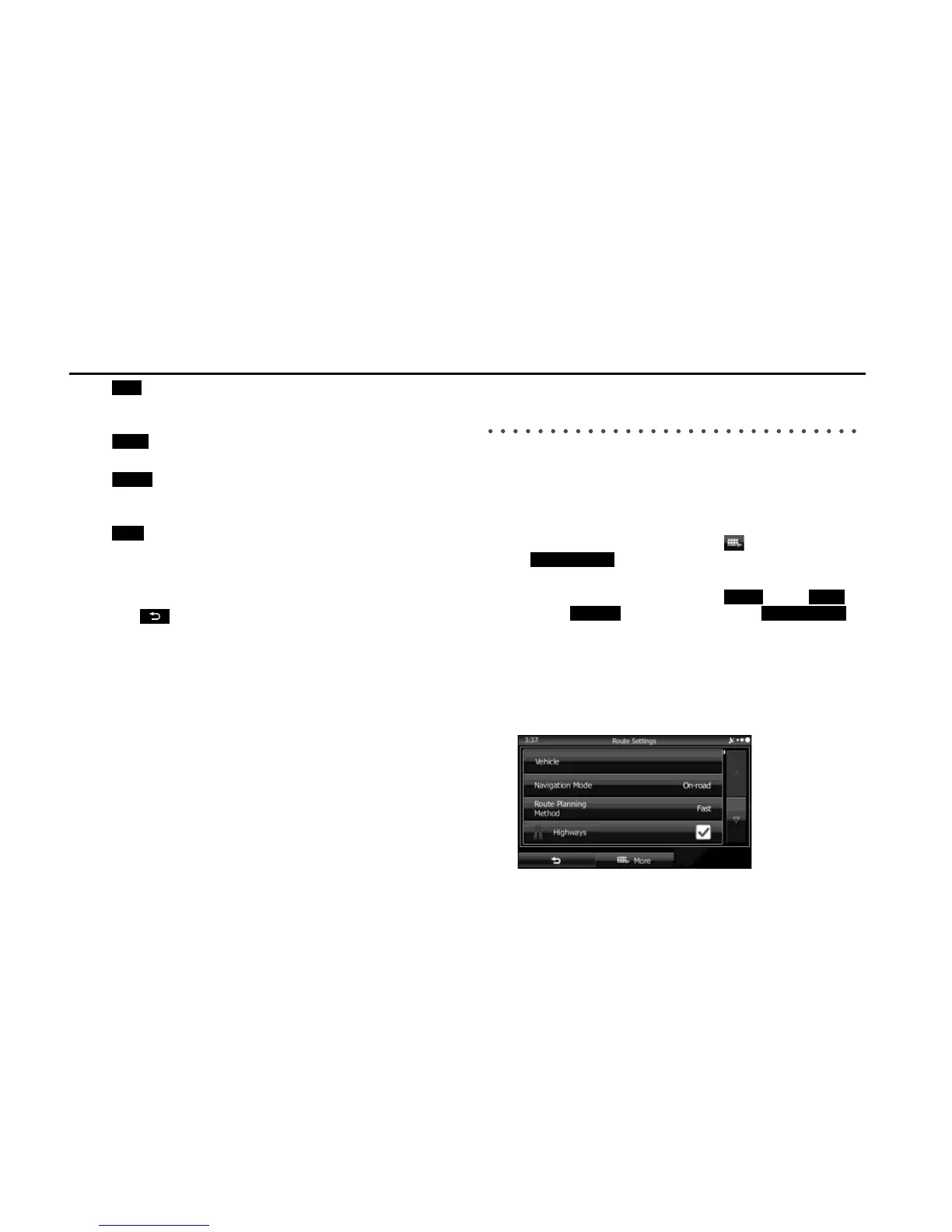
1 Use the “Route Settings” function as follows.
• If the Map screen is displayed, touch and then touch
(Route Settings). (Only when registered to the
Quick Menu.)
• If the Map screen is displayed, touch (Menu),
(More), (Settings) and then touch
(Route Settings).
2 Touch one of the road categories displayed in the list to
change the route. If necessary, scroll the list to view all
road categories. The following items are available (the
order differs depending on the type of vehicle selected).
Fast















 To Next Page