Introduction 37
Before Use
Screen Adjustment and Setting
When Link to Day/Night View on the Settings screen is set to
“Headlight” (See Page 28.), day view or night view is selected based on
whether the lights (sidelights, tail lights, license plate light) are on or off,
to make it easier to view the screen. When “Time” is set (See Page 28.),
the view changes at the set time.
Also, when set to “None” (See Page 29.), you can manually switch to a
day view or a night view screen at any time.
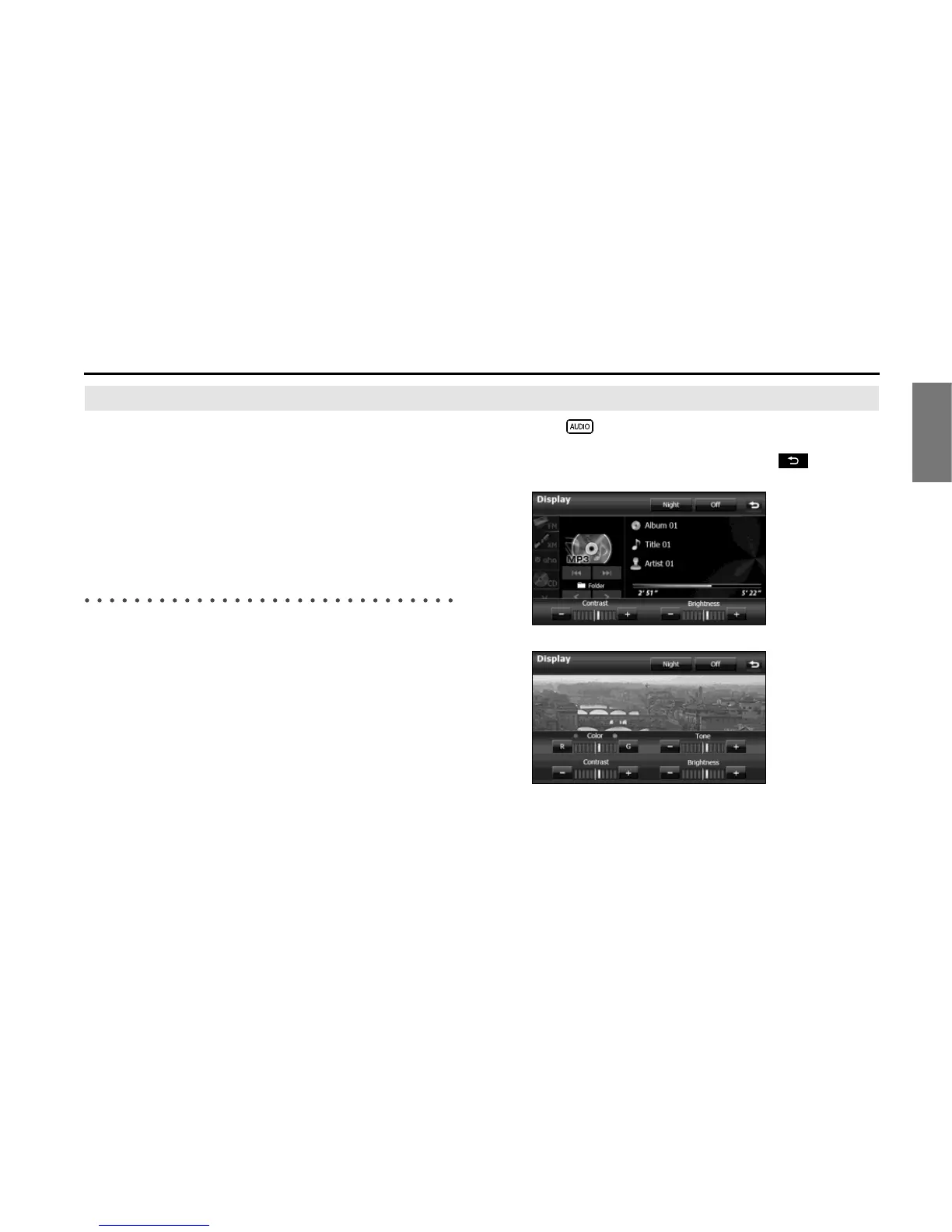
Displaying the picture quality adjustment
screen
The picture quality adjustment screen has different adjustment items
depending on whether it is the operations screen or video screen of the
navigation or audio.
1 Press for 1 second or more.
2 After completing the adjustment, touch .
<For the operations screen>
<For the video screen>















 To Next Page