36 Introduction
Before Use
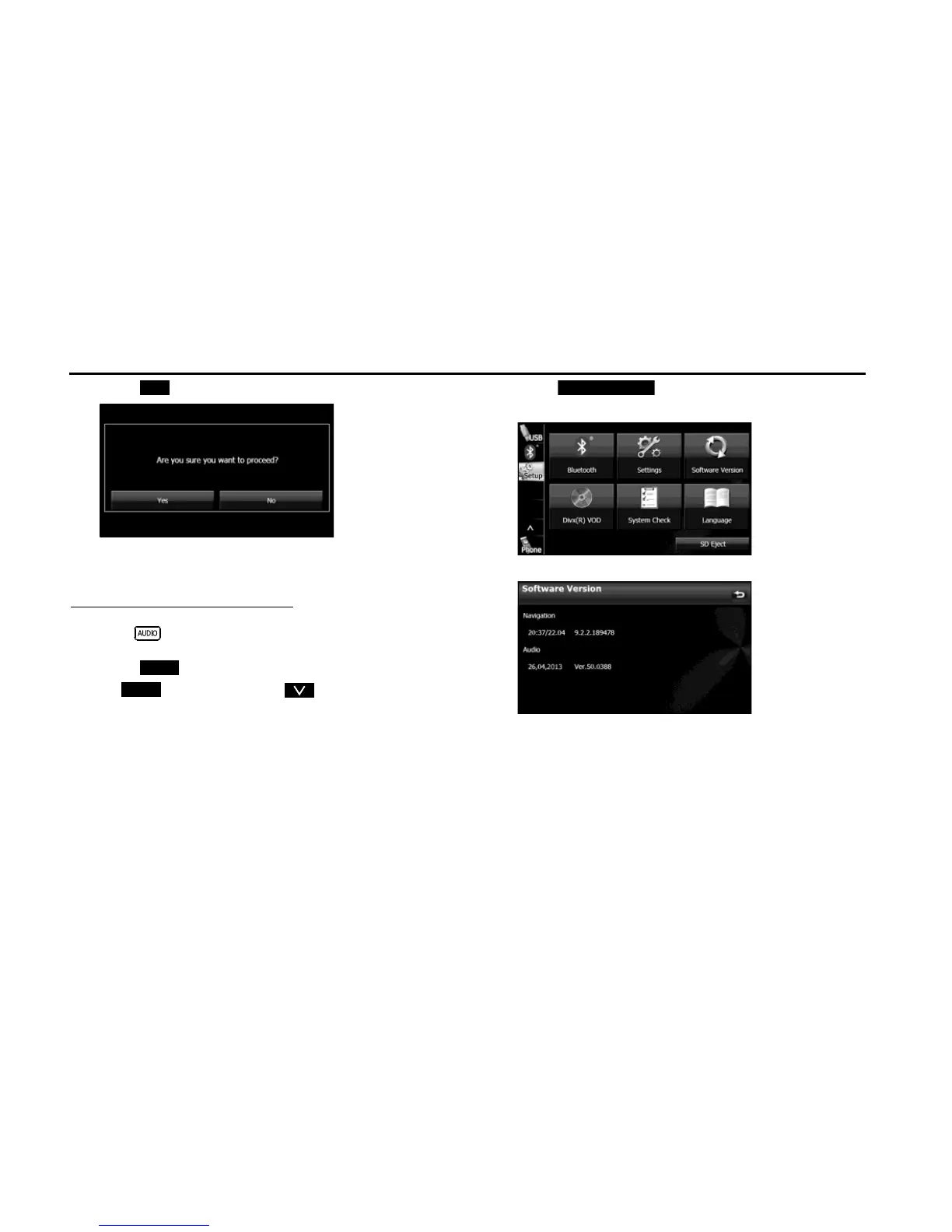
3 Touch (Yes).
■ Checking the Software Version
You can check the version of the navigation and audio software.
Displaying the Software Version screen
1 Press .
2
Touch .
• If is not displayed, touch .
3 Touch (Software Version).
• The Software Version screen appears.
<Software Version screen>
Yes















 To Next Page