206 Audio and Visual
Audio Operations
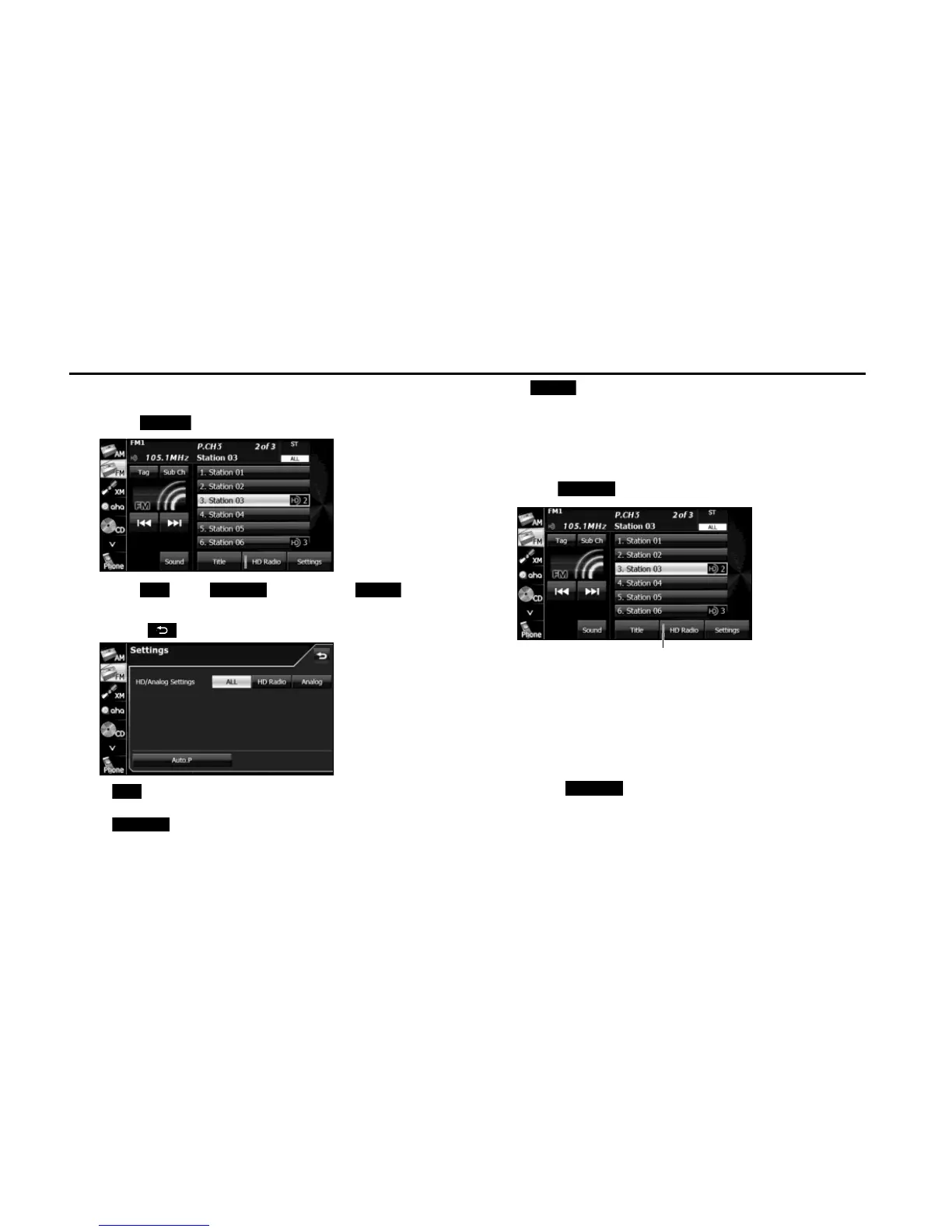
■ Changing the reception mode
1 Touch (Settings).
2 Touch (ALL), (HD Radio) or
(Analog).
• Touch to return to the previous screen.
(ALL):
Receive by giving precedence to digital broadcasts.
(HD Radio):
Receive by giving precedence to digital broadcasts and setting
the seek operation to digital broadcasts only.
(Analog):
Receive analog broadcasts.
■ Changing the audio synchronization function of the
HD Radio broadcasts
1 Touch (HD Radio).
• ON (indicator lit):
Audio is output according to the HD Radio setting and
reception quality.
OFF (indicator off):
Audio is output in analog regardless of the HD Radio setting or
reception quality.
• Touch (HD Radio) to switch between ON and OFF.
NOTE
When the reception mode is analog, the setting is OFF.















 To Next Page