232 Audio and Visual
Audio Operations
■ Selecting a music file
You can select the file that you want to play from a folder.
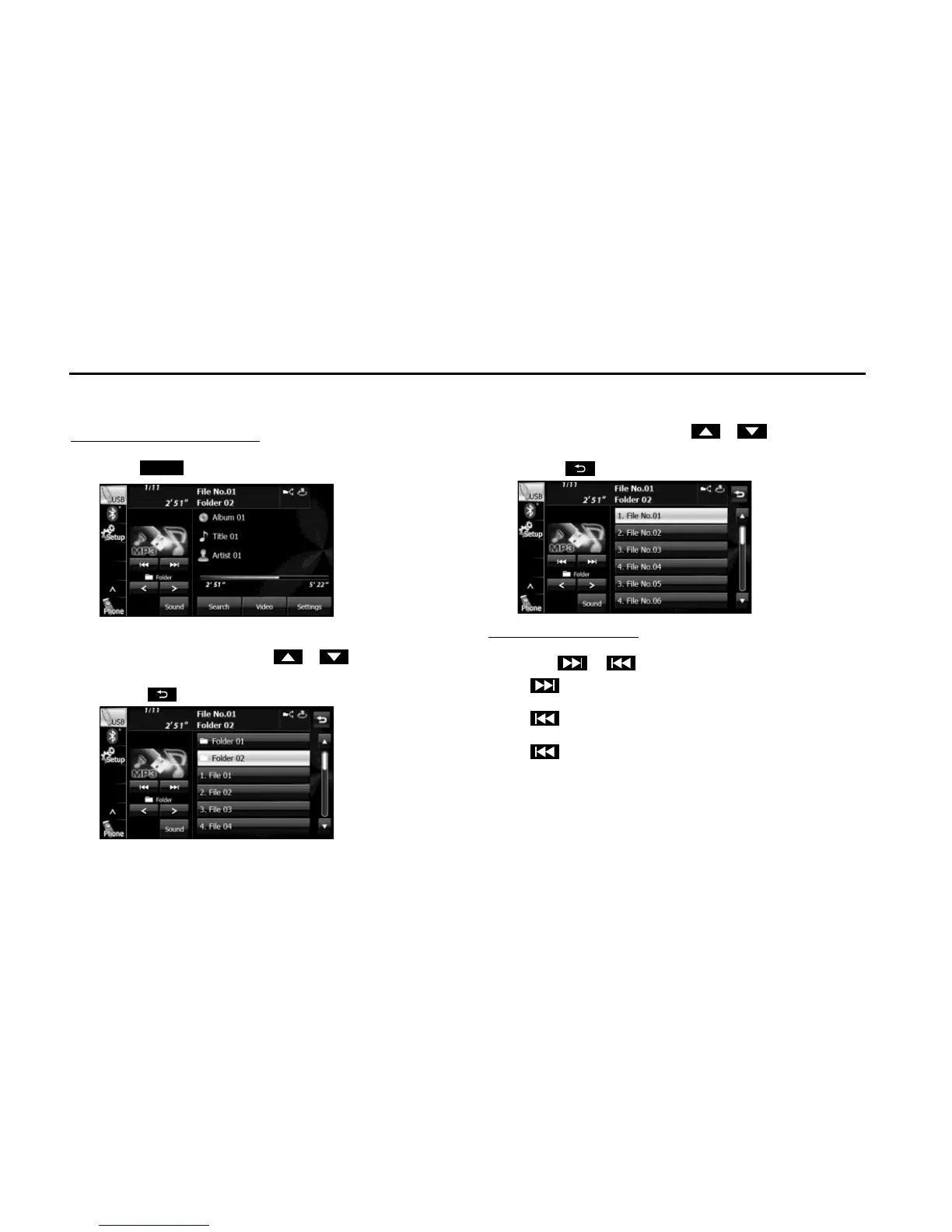
Selecting with a file name button
1 Touch (Search).
2
Touch the folder that you want to use.
• If there are more pages, touch or to scroll the
pages.
• Touch to return to the previous screen.
3 Touch the file that you want to play.
• The selected file starts to play.
• If there are more pages, touch or to scroll the
pages.
• Touch to return to the previous screen.
Selecting consecutive files
1 Touch or .
•:
Advance to the next file.
(Touch once):
Return to the start of the currently playing file.
(Touch twice or more):
Return to the previous file.
• The selected file starts to play.















 To Next Page