Audio and Visual 245
Visual Operations
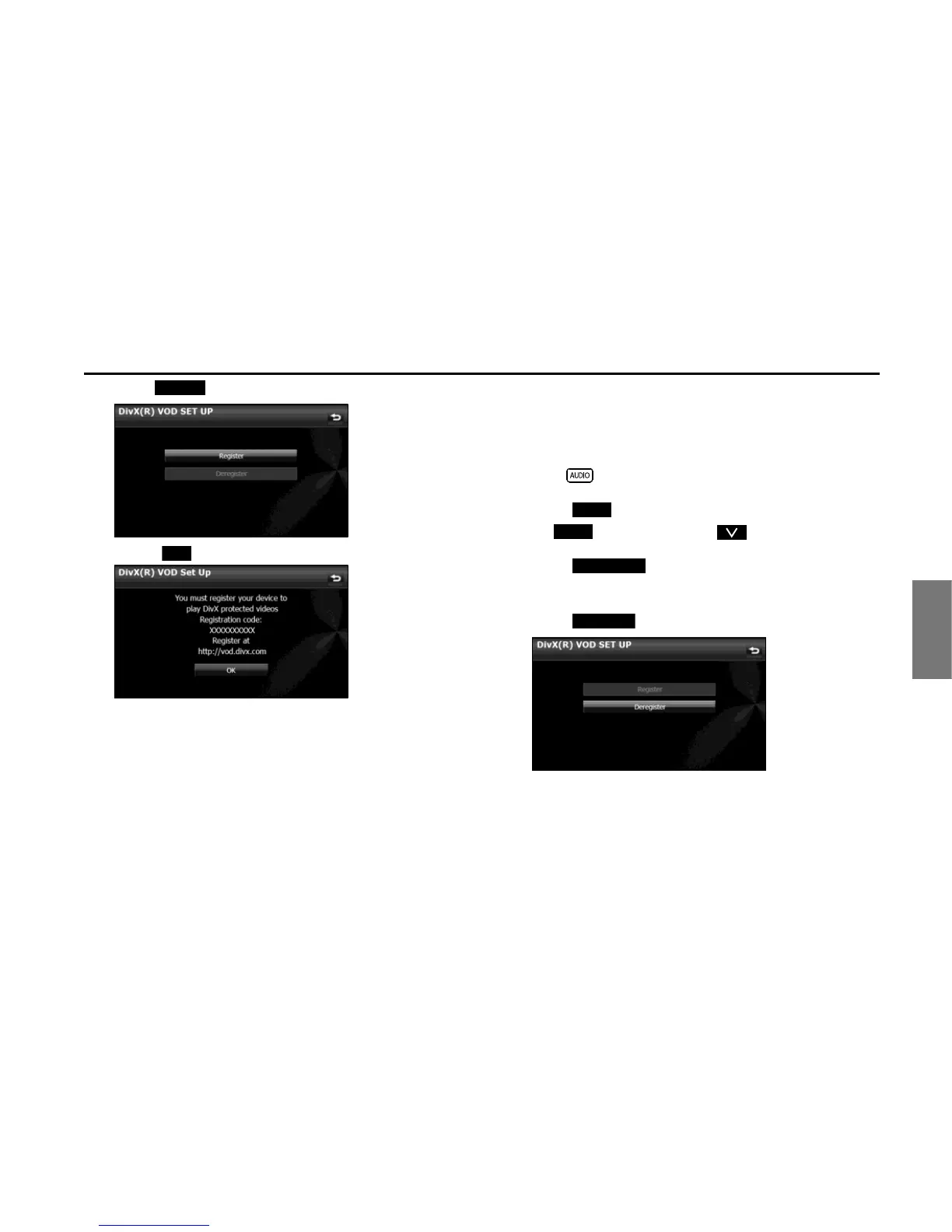
4 Touch (Register).
• Touch (OK) to return to the Setup screen.
■ Displaying the DivX VOD deregistration code
To cancel the unit's registration with the content provider, the DivX
VOD deregistration code is required. You can display the DivX
Video
On Demand deregistration code.
1 Press .
2 Touch .
• If is not displayed, touch .
3 Touch (DivX(R) VOD).
• The DivX(R) VOD Set Up screen appears.
4 Touch (Deregister).
Register















 To Next Page