262 Audio and Visual
How to Operate Portable Audio Devices
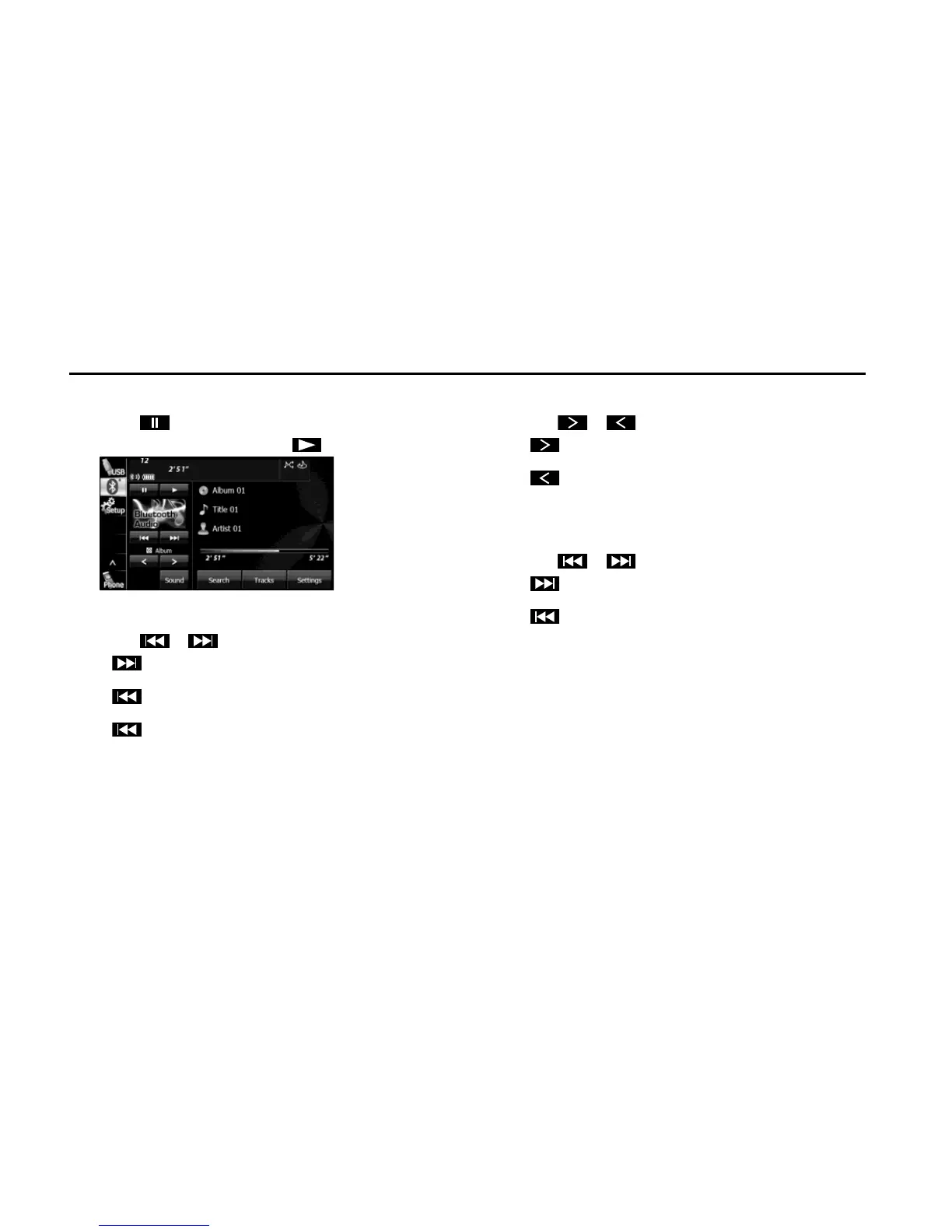
■ Pausing the playback
1 Touch .
• To start the playback again, touch .
■ Selecting a track
1 Touch or .
•:
Advance to the next track.
(Touch once):
Return to the start of the currently playing track.
(Touch twice or more):
Return to the previous track.
■ Selecting a music album
1 Touch or .
•:
Advance to the next music album.
:
Return to the previous music album.
■ Fast forwarding and fast reversing
1 Touch or for 1 second or more.
•:
Fast forward the track.
:
Fast reverse the track.
Fast forward (or fast reverse) operates until you release your
finger from the button.
NOTE
Sound does not output during fast forwarding and fast reversing. (Operations
may vary depending on the audio device.)















 To Next Page