264 Audio and Visual
How to Operate Portable Audio Devices
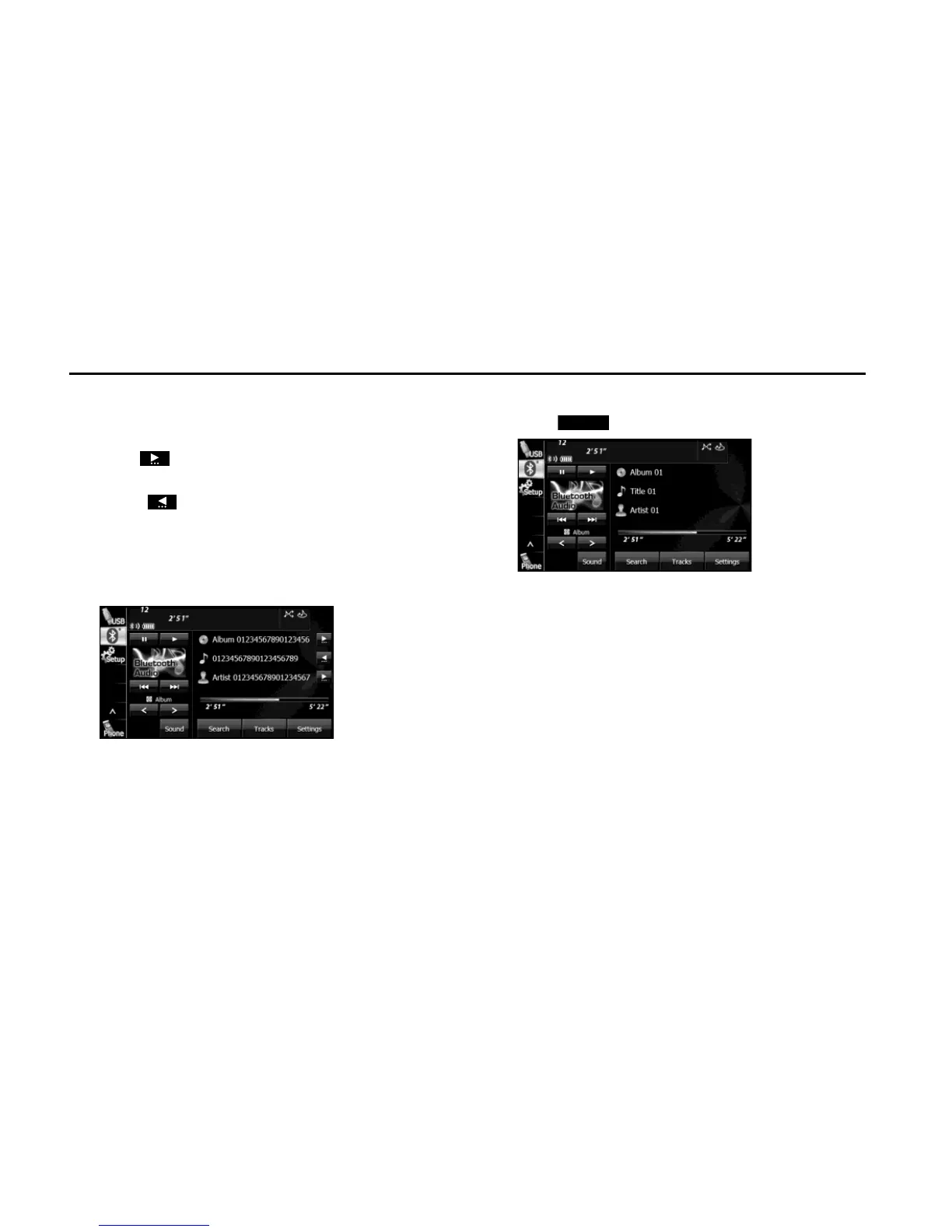
■ Scrolling title information
If the Album, Title or Artist information cannot be fully displayed
because it is too long, you can scroll the display.
1 Touch on the item that you want to scroll.
• The selected title information scrolls to the left.
• Touch to stop the scrolling and return to the start of the
title.
• If driving is detected while the display is being scrolled, the
scrolling stops and returns to the start of the title.
• When the end of the title information is displayed, the scrolling
stops.
■ Various portable device settings
1 Touch (Settings).















 To Next Page