Navigation 95
Read First
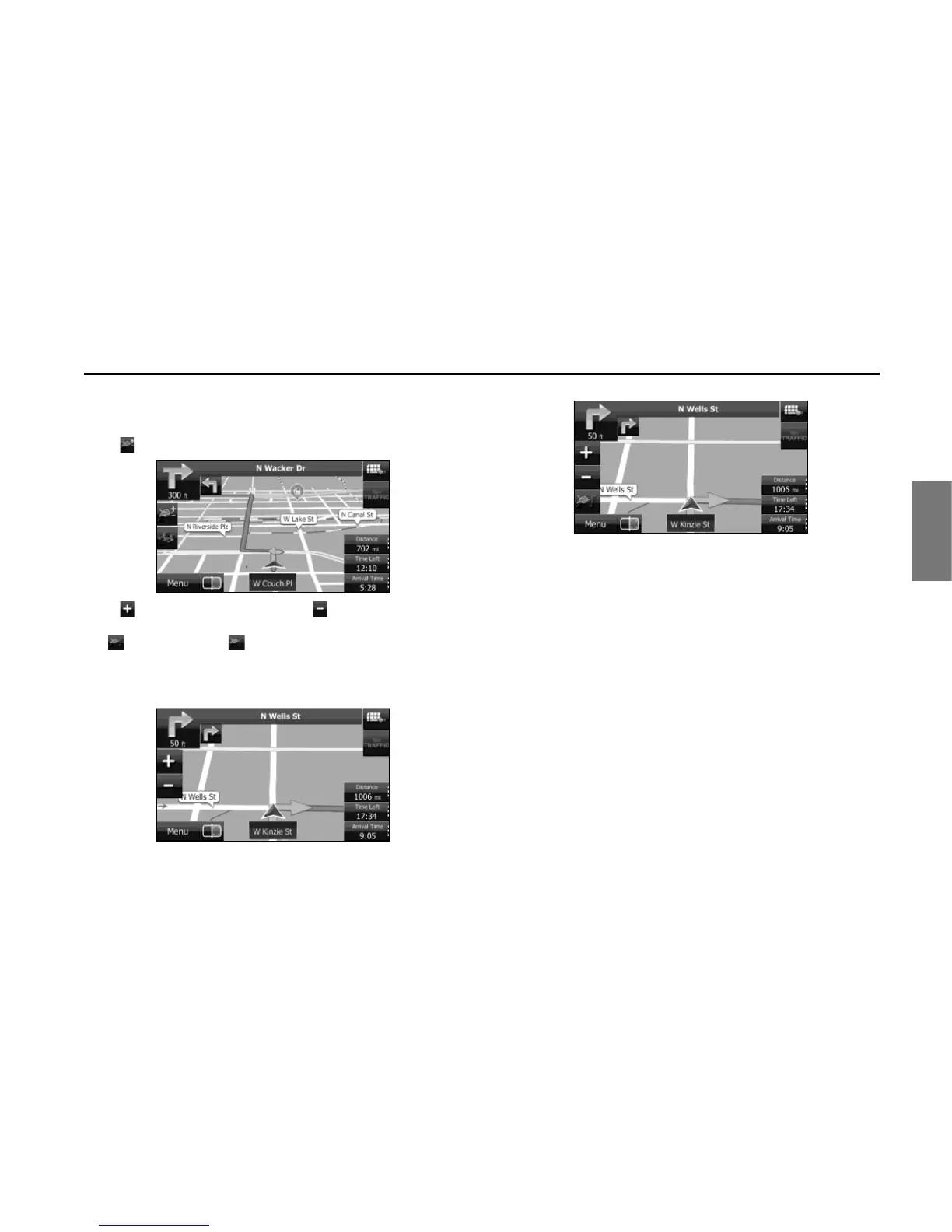
■ Smart zoom display
When the navigation screen is set to auto zoom, this function is turned
on.
Touch to display the control button.
Touch to enlarge the display, and touch to reduce the display.
When expanding or reducing, the smart zoom function is switched off,
and is displayed. Touch to turn on the smart zoom function.
If no operations are made for about six seconds, the previous screen is
displayed.
<Smart Zoom On>
<Smart Zoom Off>















 To Next Page