910R/950R/950T/970T - RECEIVER 19
DISPLAY
910R/950R/950T/970T - RECEIVER 19
DISPLAY
Volume Level
Receiver has four volume levels: off, low,
medium, and high. To select volume setting,
press and hold DEPTH and press the up
arrow.
IMPORTANT: Lower volume to conserve
battery life.
Receiver Battery Level
Receiver battery level is shown by battery
icon on right side of display.
• Three segments mean that batteries are
at full power.
• One segment means that batteries are at
low power.
• No segments and a flashing outline means that you should
change batteries immediately.
IMPORTANT: To see percentage of battery life remaining, press
and hold DEPTH and press MODE.
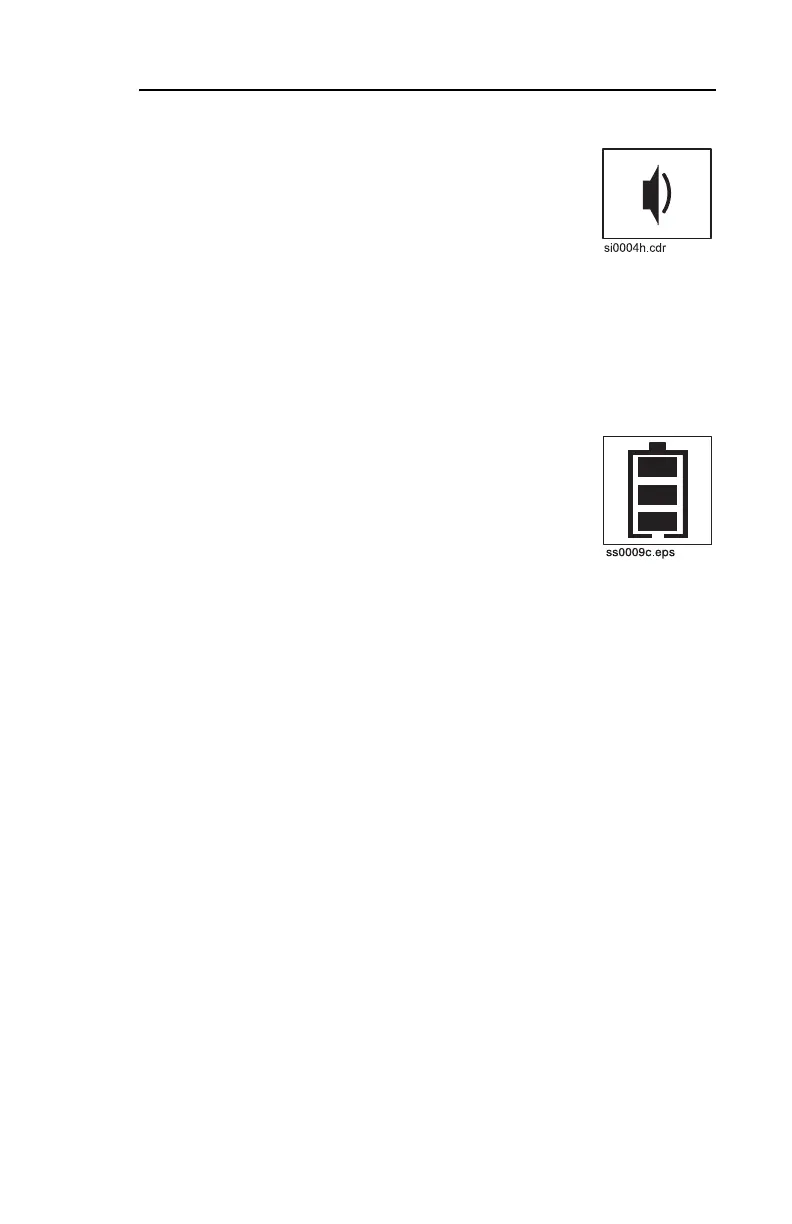
Volume Level
Receiver has four volume levels: off, low,
medium, and high. To select volume setting,
press and hold DEPTH and press the up
arrow.
IMPORTANT: Lower volume to conserve
battery life.
Receiver Battery Level
Receiver battery level is shown by battery
icon on right side of display.
• Three segments mean that batteries are
at full power.
• One segment means that batteries are at
low power.
• No segments and a flashing outline means that you should
change batteries immediately.
IMPORTANT: To see percentage of battery life remaining, press
and hold DEPTH and press MODE.



 To Next Page