18 910R/950R/950T/970T - RECEIVER
DISPLAY
18 910R/950R/950T/970T - RECEIVER
DISPLAY
Depth
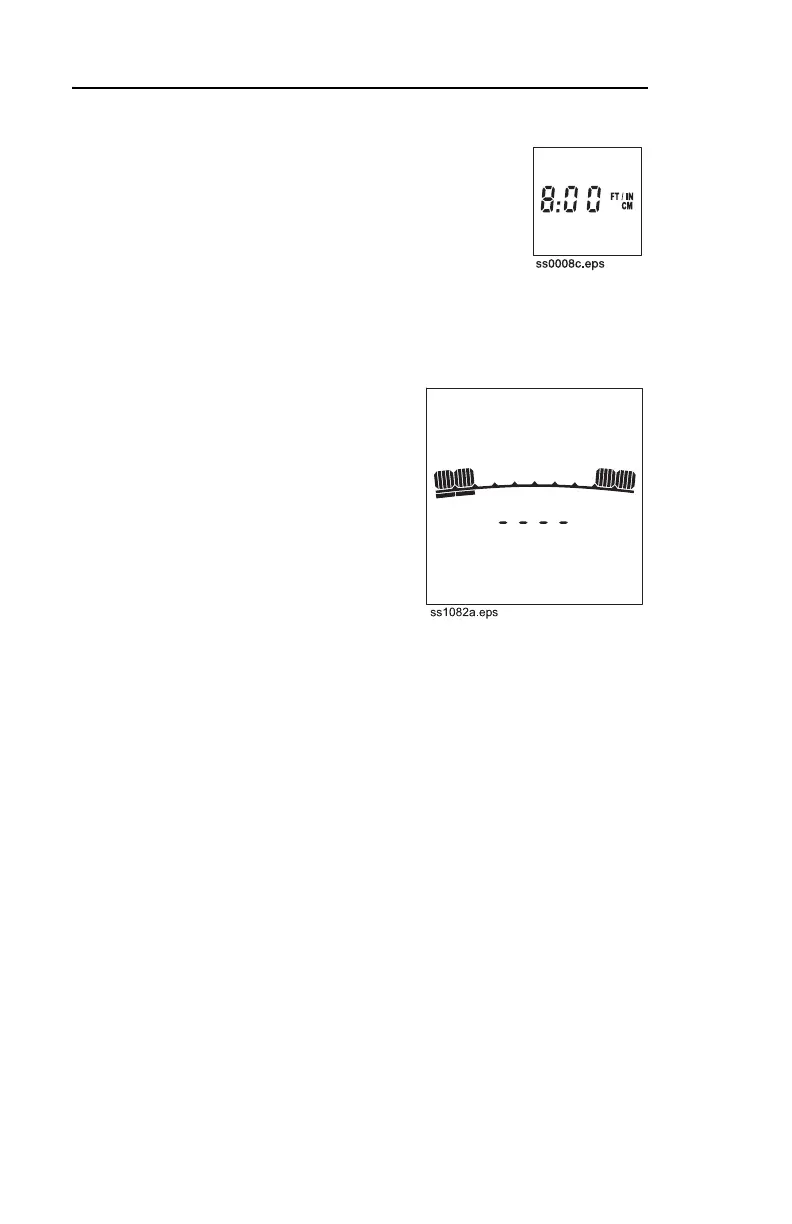
Estimated depth displays when DEPTH
button is pressed.
Receiver can display in four units of
measurement: feet/inches, inches, cm, or m.
To select units, press and hold DEPTH and
press the down arrow.
IMPORTANT: If four dashes
appear in the display, the receiver
is detecting a signal above it and
cannot estimate depth. This
message is usually caused by
interfering signals or a weak signal.
Try relocating target signal.
Current
Estimated current on target line is
displayed in mA when DEPTH
button is pressed and held.
The higher the number, the higher the current on the target line.
IMPORTANT: Current reading should be stable or drop as line is
located, except at the ends where current may be higher.
Depth
Estimated depth displays when DEPTH
button is pressed.
Receiver can display in four units of
measurement: feet/inches, inches, cm, or m.
To select units, press and hold DEPTH and
press the down arrow.
IMPORTANT: If four dashes
appear in the display, the receiver
is detecting a signal above it and
cannot estimate depth. This
message is usually caused by
interfering signals or a weak signal.
Try relocating target signal.
Current
Estimated current on target line is
displayed in mA when DEPTH
button is pressed and held.
The higher the number, the higher the current on the target line.
IMPORTANT: Current reading should be stable or drop as line is
located, except at the ends where current may be higher.



 To Next Page