910R/950R/950T/970T - OPERATION 47
LOCATE LINE: ACTIVE LOCATION
910R/950R/950T/970T - OPERATION 47
LOCATE LINE: ACTIVE LOCATION
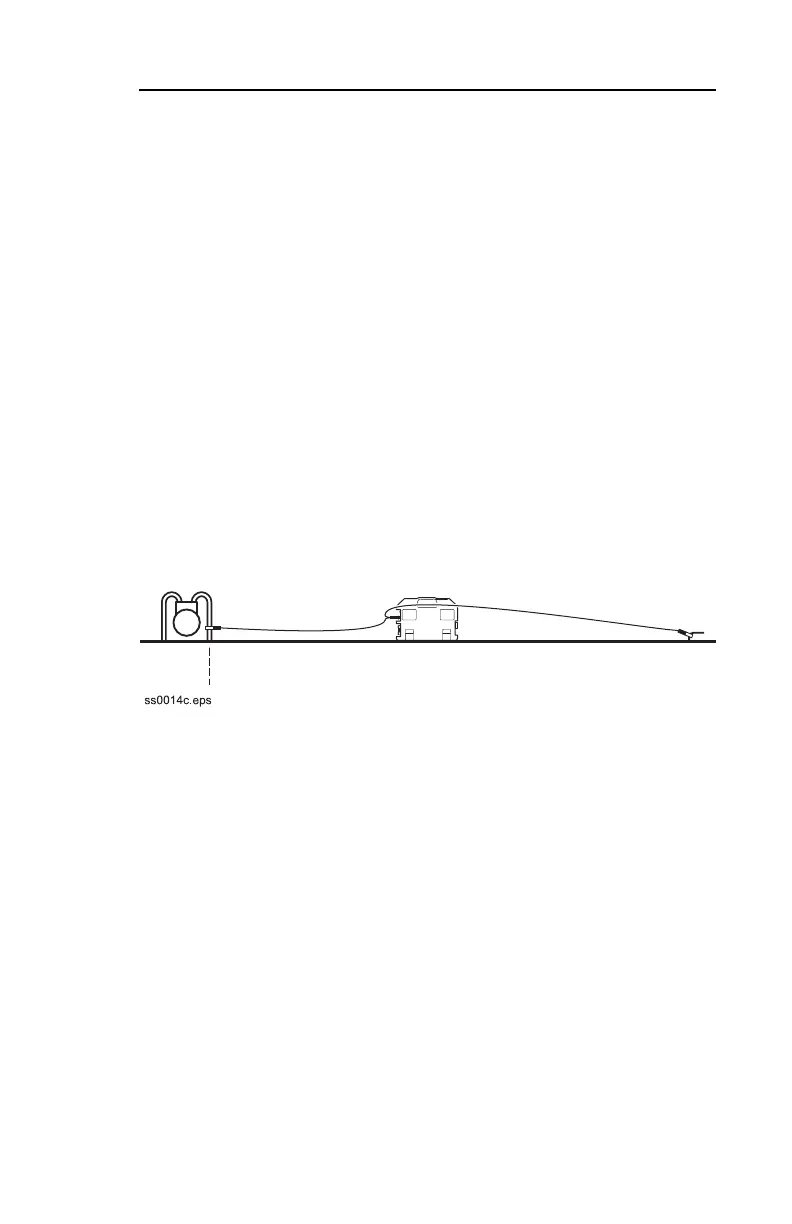
To set up transmitter for direct connection:
1. Drive ground stake.
2. Plug cable into transmitter.
3. Hook black lead to ground stake.
4. Hook red lead to line.
5. Turn on transmitter.
6. Check battery level.
7. Choose frequency and shutoff time. See “Choose
Frequency” earlier in this chapter.
NOTICE: Turn off transmitter when connecting or moving ground
stake.
To set up transmitter for direct connection:
1. Drive ground stake.
2. Plug cable into transmitter.
3. Hook black lead to ground stake.
4. Hook red lead to line.
5. Turn on transmitter.
6. Check battery level.
7. Choose frequency and shutoff time. See “Choose
Frequency” earlier in this chapter.
NOTICE: Turn off transmitter when connecting or moving ground
stake.



 To Next Page