18
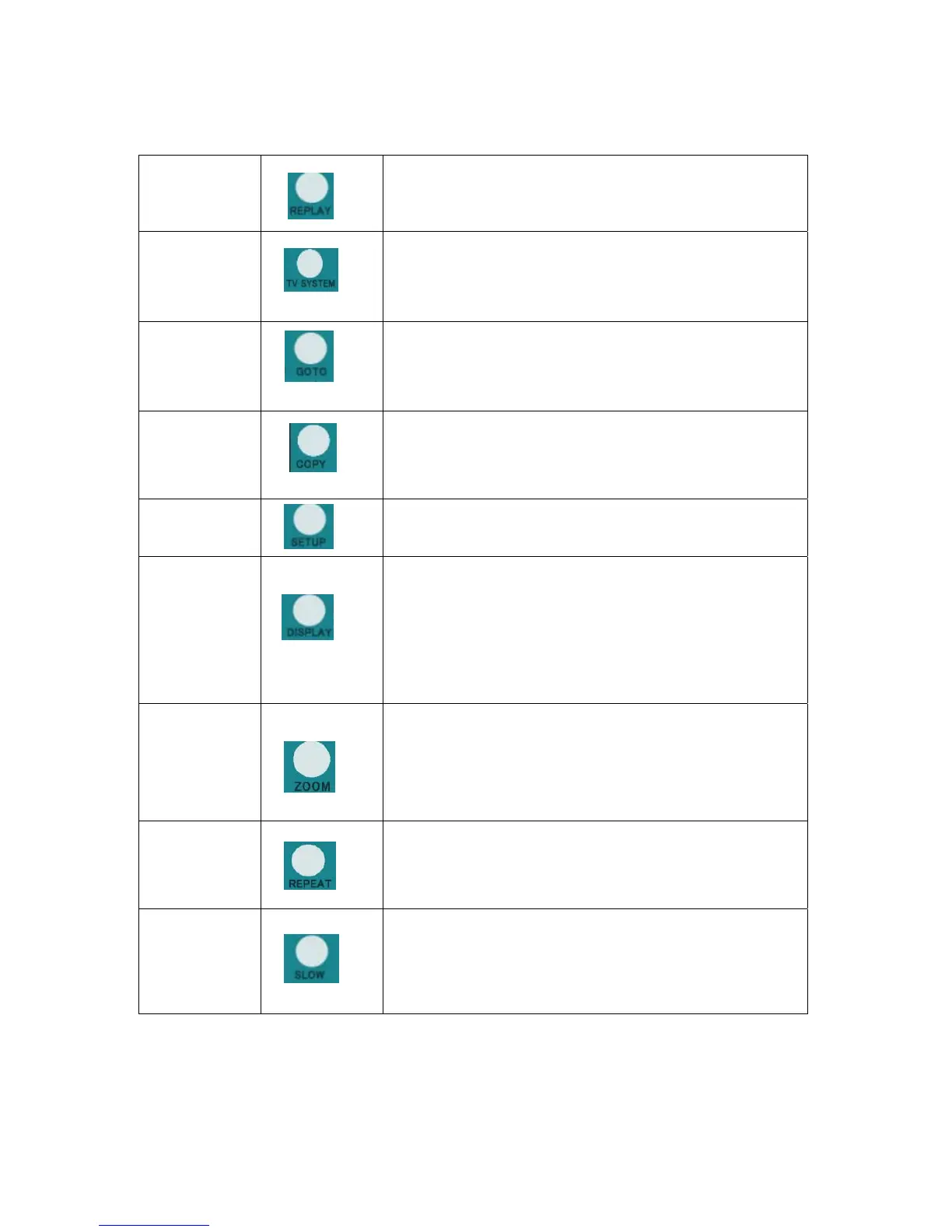
REPLAY button.
Press to backward 10 seconds of the current playback, which suitable for
sport program.
19
TV SYSTEM button:
Press to switch between NTSC Interlaced, NTSC Progressive,
PAL Interlaced, and PAL Progressive.
20
GOTO button:
Press to jump to a specific point on the disc or title. Specify the point using
Title, Chapter and Time.
21
COPY button:
Press to copy file from one device to other.
See
“FILE COPY MENU”
on page 30 for more details.
22
SETUP button:
Press to access the Setup Menu directly to change system settings.
23
DISPLAY button:
Press to display current status.
z Press during playback and an onscreen display appears,
showing track number and time elapsed/remaining.
z Press during recording and an onscreen display appears,
showing the recording quality setting and time elapsed.
24
ZOOM button:
Press to zoom in/out when playing back photos or Video programs.
Photo zoom levels:2X,4X,8X,16X;
Video zoom levels:2X,3X,4X,8X.
25
REPEAT buttons:
Press REPEAT 1 / ALL to set repeat option - Chapter, Title or Off.
26
SLOW MOTION button:
Press to play back in slow motion. Three motion settings are available.
Five slow motion levels(3/4,1/2,1/4,1/8,1/16x) are available.
Press
the “play” button to resume regular playback.



 To Next Page