11
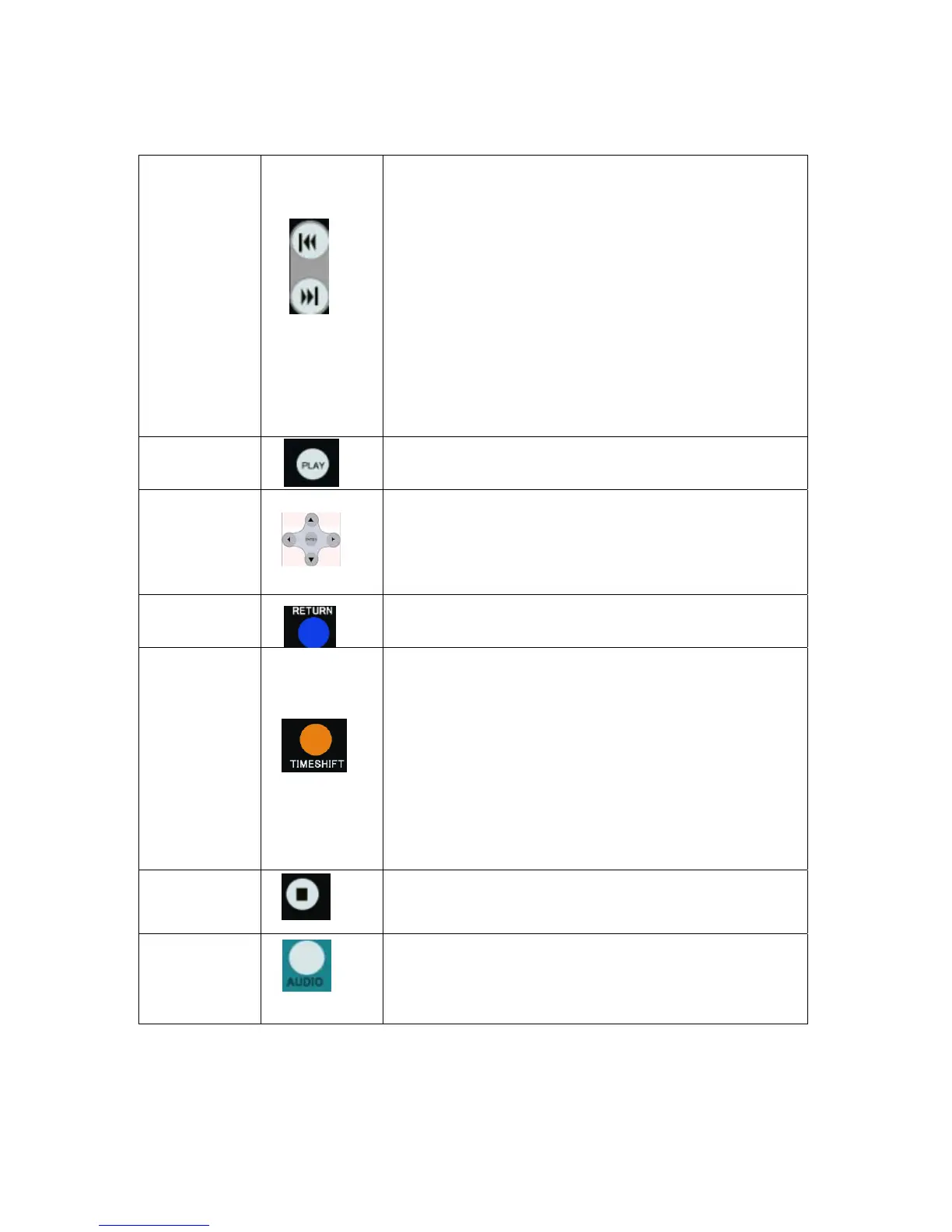
PREVIOUS buttons:
z Press to go the prev. on a HDD or USB file when playing music.
z Press to page up the file list at Browser.
z
When play photo ,the button is enable; play Movie and Mp3 file,
the button is disable.
NEXT
buttons:
z Press to go the next on a HDD or USB file when playing music.
z Press to page down the file list at Browser.
z
When play photo ,the button is enable; play Movie and Mp3 file,
the button is disable.
12
PLAY button:
Press to begin playback of a DVD or HDD title.
13
Navigational buttons:
Press the arrow buttons to navigate the menus.
ENTER button:
Press to select confirm in menus.
14
RETURN button:
Press to return to the previous screen when navigating the menus.
15
TIME SHIFT button:
Press to activate the timeshift function, which allows you to pause live TV
and resume the program from the point you left it. While paused, the
program is recorded to the HDD, as long as space is available.
Press to activate TIME SHIFT function and wait for the
PLAY arrow to appear on the screen.
Press the” step/pause”button and the program is paused.
Press the”play”button to resume viewing the program.
Timeshift mode remains active until you press the “stop”button.
16
STOP button:
Press to stop playback.
17
AUDIO button:
Press to select an audio track on a HDD or USB file.



 To Next Page