Chapter 4 Configuring, Managing and Maintaining the Server Using the Web-Based Interface 29
▼ To Configure the System
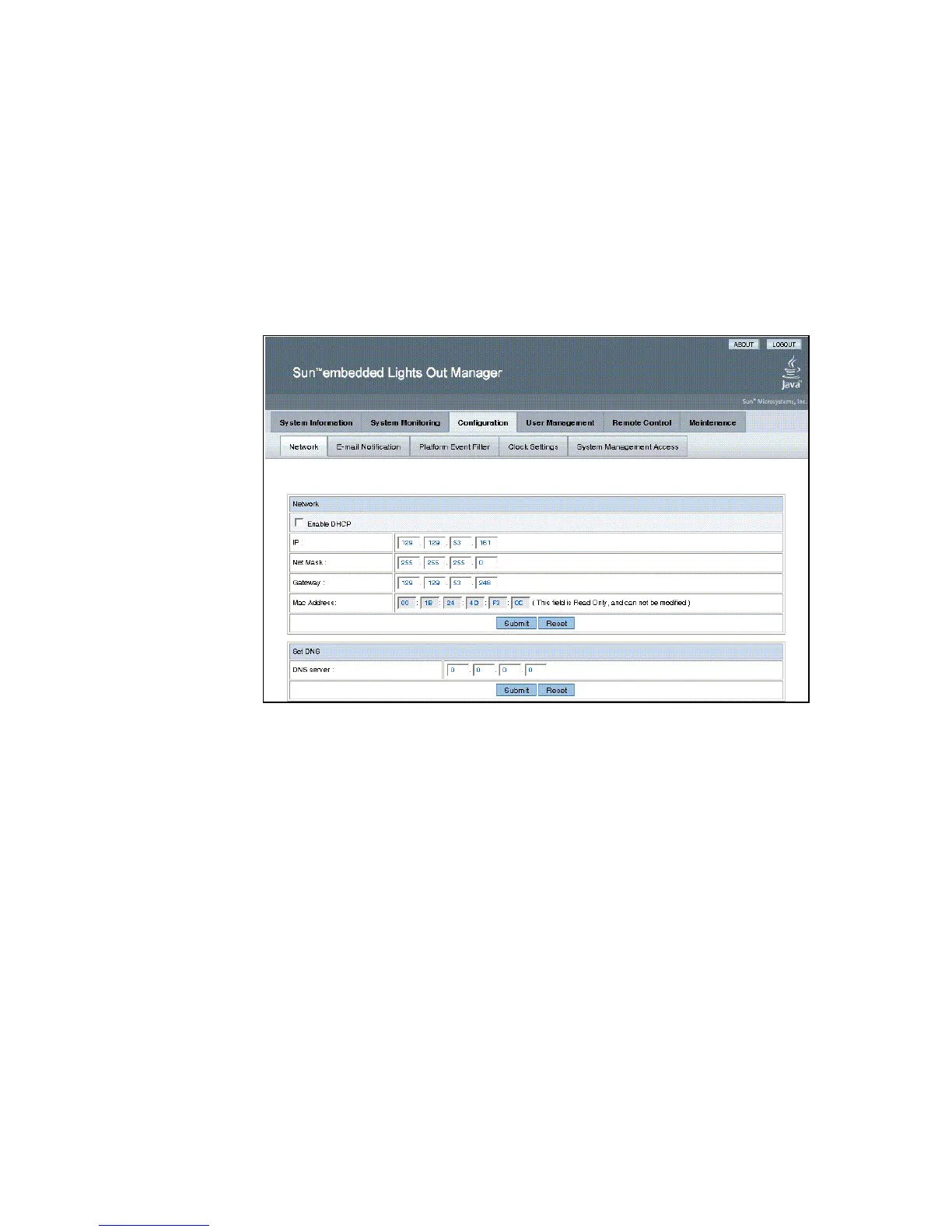
● From the main menu, click the Configuration tab.
The Configuration tabs appear (see
FIGURE 4-1). You are now able to access the
Network, E-mail Notification, Platform Event Filter, Clock Settings, and System
Management Access screens.
FIGURE 4-1 The Configuration Screen














 To Next Page