SunFounder TS-10 10.1-inch Touch Screen
Install Cloud4RPi in Your Raspberry Pi
It is advisable to update your system before installing.
sudo apt update && sudo apt upgrade -y
Install/update the required packages.
sudo apt install git python3 python3-pip -y
Install Cloud4RPi with the following command:
sudo pip3 install cloud4rpi
Note: This tutorial provides the installation method for Python 3.0 and above. For lower versions of Python, the
commands may need to be modified.
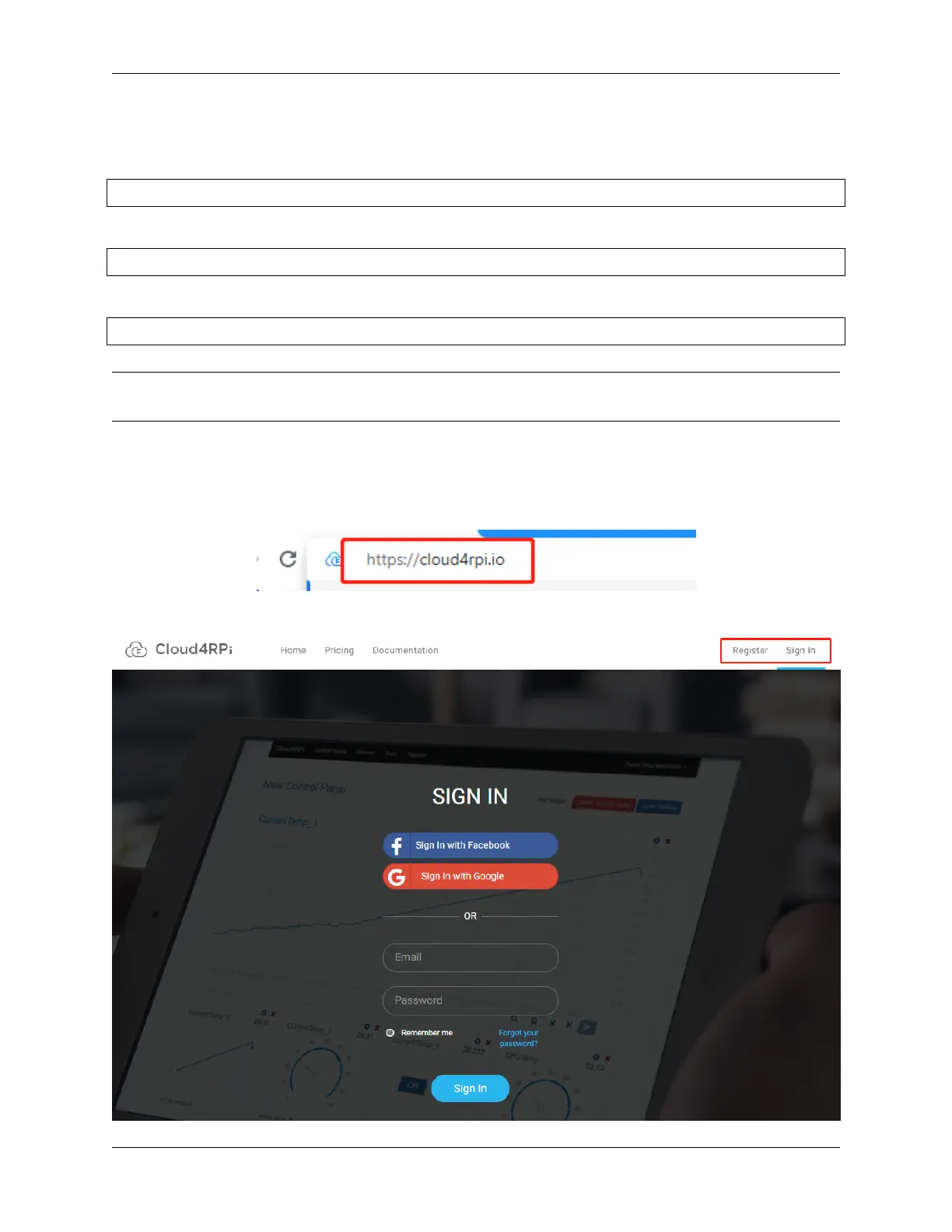
Login to Cloud4RPi on Your Computer
Open Chromium Web Browser and enter this link: https://cloud4rpi.io.
Before using it, you need to register and log in to your Cloud4RPi account.
78 Chapter 5. PROJECTS AND ACTIVITIES



 To Next Page