8
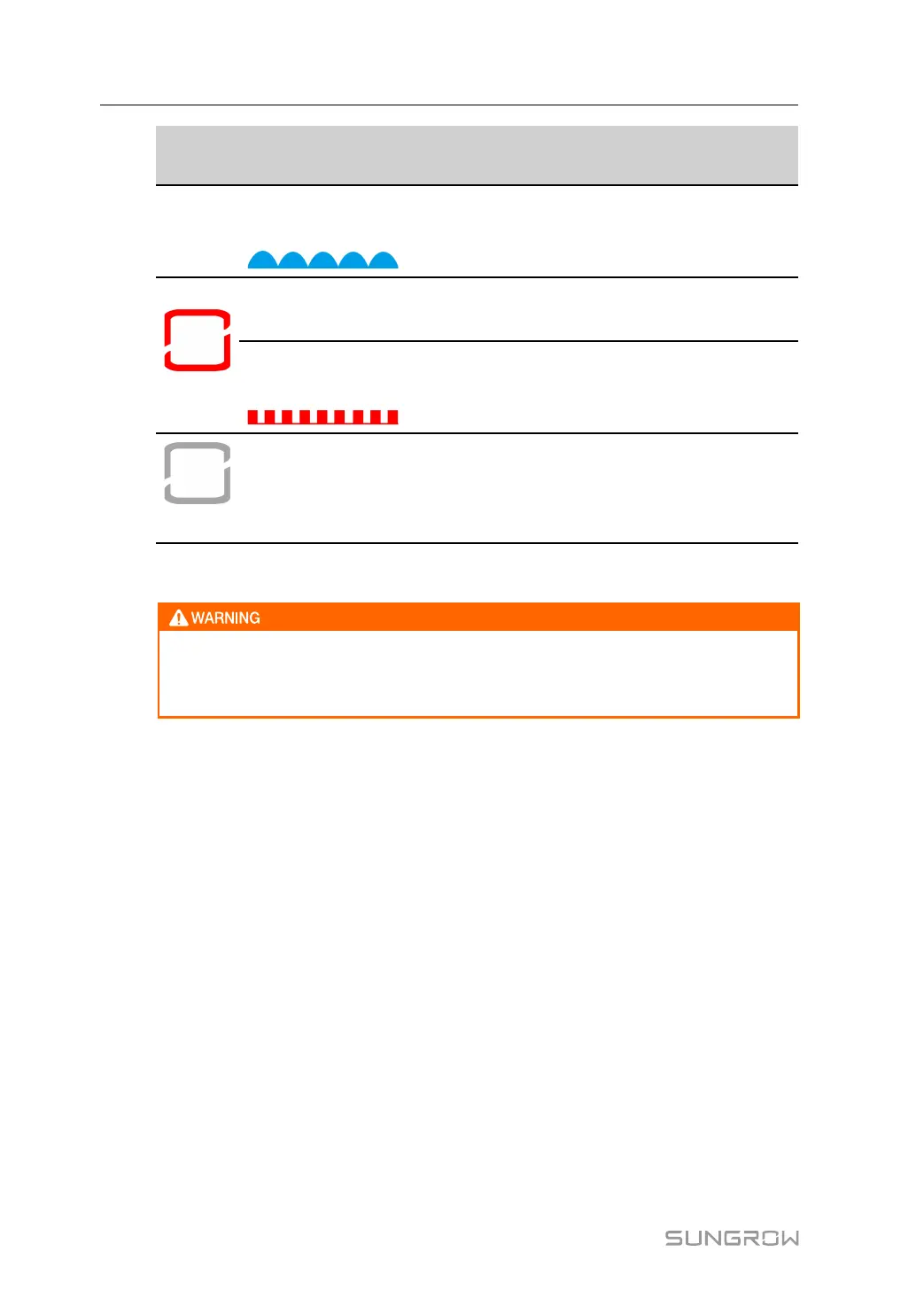
LLEEDD iinn--
ddiiccaattoorr
LLEEDD ssttaattee DDeeffiinnttiittiioonn
Slow flash
(Period: 2s)
The device is in standby or startup state (not
feeding power into the grid).
Red
ON
A fault occurred.(The converter is power off
immediately.)
Twinkling
(Period: 0.2s)
The Bluetooth communication is connected
and there is data communication.
System fault occurs.
OFF
OFF
The converter is powered off.
2.2.5 DC Switch
Make sure the load switch is open before you power on the converter. Do not
close the load switch when there is electricity in the converter. Do not open the
load switch when the converter is running.
The converter is equipped with two DC switches, which are marked with “DC Switch 1"
and "DC Switch 2" using silk-screen printing.
“DC Switch 1” is used to safely cut off the electrical connection between the conver-
ter and inverter.
“DC Switch 2” is the auxiliary power supply switch that can safely disconnect the aux-
iliary power supply side power of the DC converter.
2 Product Description User Manual


 To Next Page