34
7
iSolarCloud APP
7.1 Brief Introduction
The iSolarCloud APP can establish communication connection to the converter via the
Bluetooth, thereby achieving near-end maintenance on the converter. Users can use
the APP to view basic information, alarms, and events, set parameters, or download
logs, etc.
*In case the communication module Eye or WiFi is available, the iSolarCloud APP can
also establish communication connection to the converter via the mobile data or WiFi,
thereby achieving remote maintenance on the converter.
• This manual describes only how to achieve near-end maintenance via the
Bluetooth connection. For remote maintenance through the Eye or WiFi,
refer to the related manuals in the delivery scope.
• Screenshots in this manual are based on the Android system
V2.1.6.20200422, and the actual interfaces may differ.
7.2 Download and Install
MMeetthhoodd 11
• MyApp (Android, mainland China users)
• Google Play (Android, users other than mainland China ones)
• APP store (iOS)
MMeetthhoodd 22
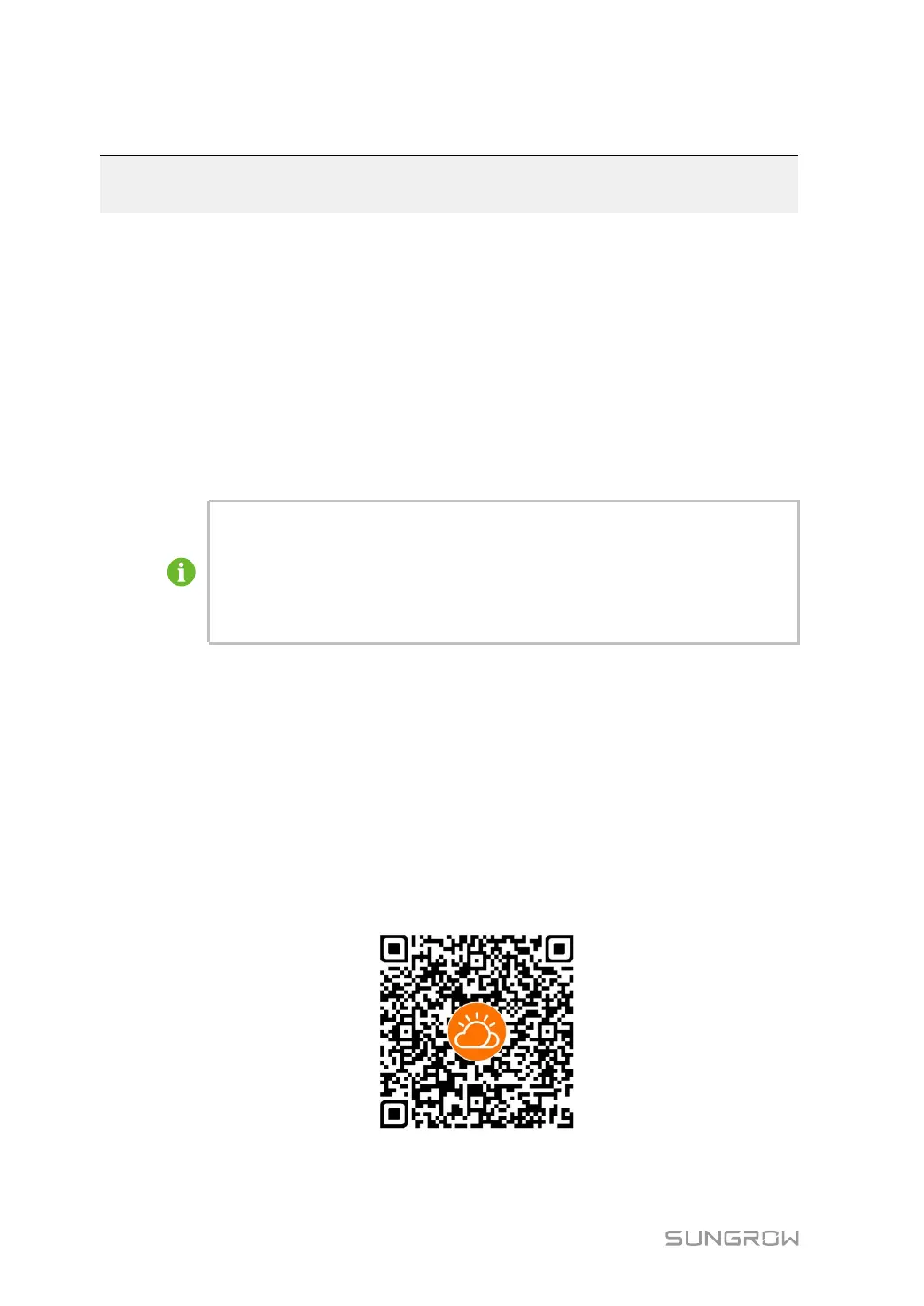
Scan the following QR code to download and install the APP according to the prompt
information.
The APP icon appears on the home screen after installation.


 To Next Page