43
7.7 More
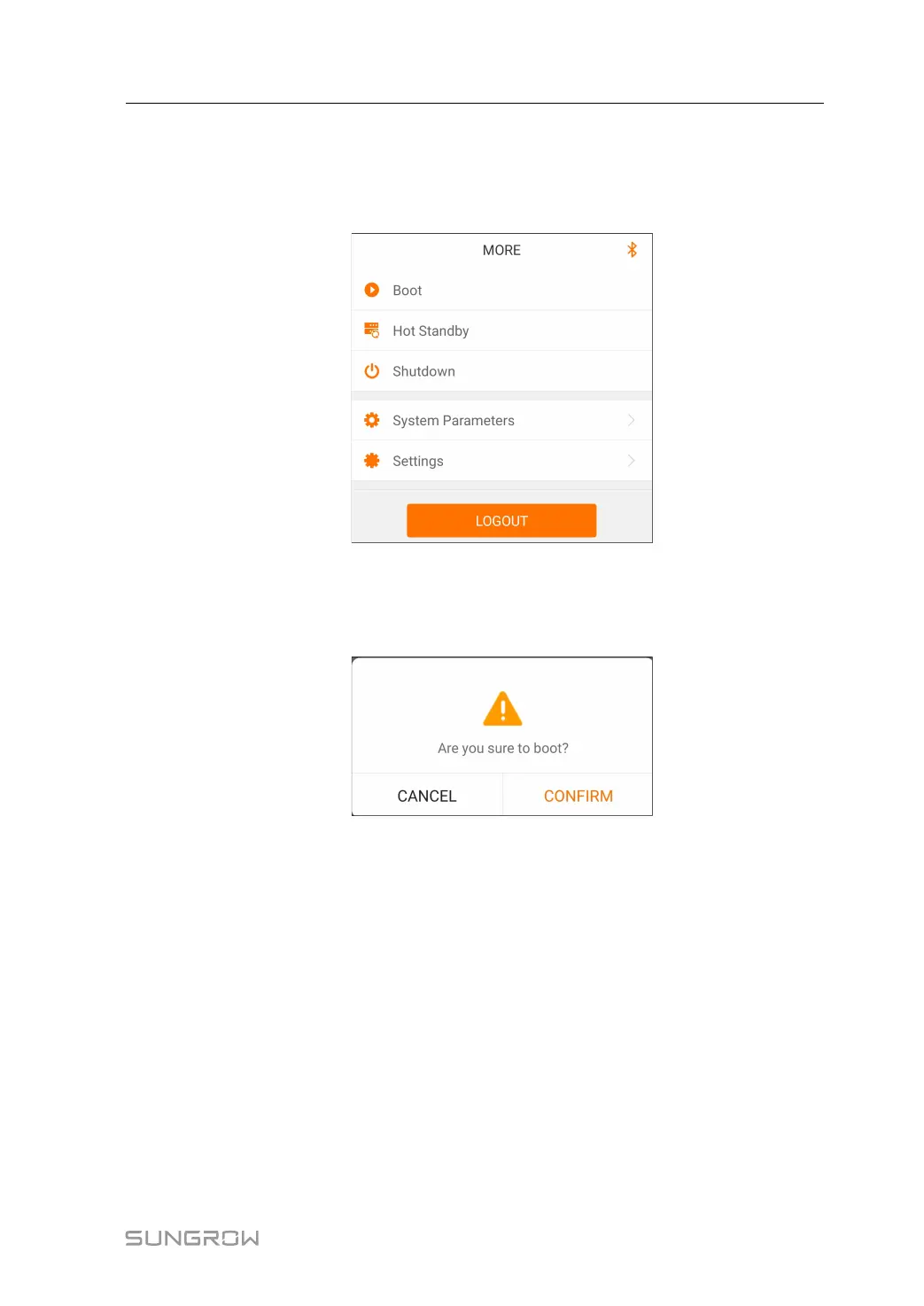
Tap“MMoorree ”on the navigation bar to enter the "More" screen, as shown in "Figure 7-9
More".
FFiigguurree 77--99 More
7.7.1 Boot
Step 1 Click“ BBoooott” to go to the boot-up page, as shown in "Figure 7-10 Boot".
FFiigguurree 77--1100 Boot
Step 2 Click "CONFIRM" to boot.
-- -- EEnndd
7.7.2 Hot Standby
Step 1 Click“HHoott SSttaannddbbyy ”to go to the hot standby page as shown in"Figure 7-11 Hot
Standby".
User Manual 7 iSolarCloud APP


 To Next Page