42
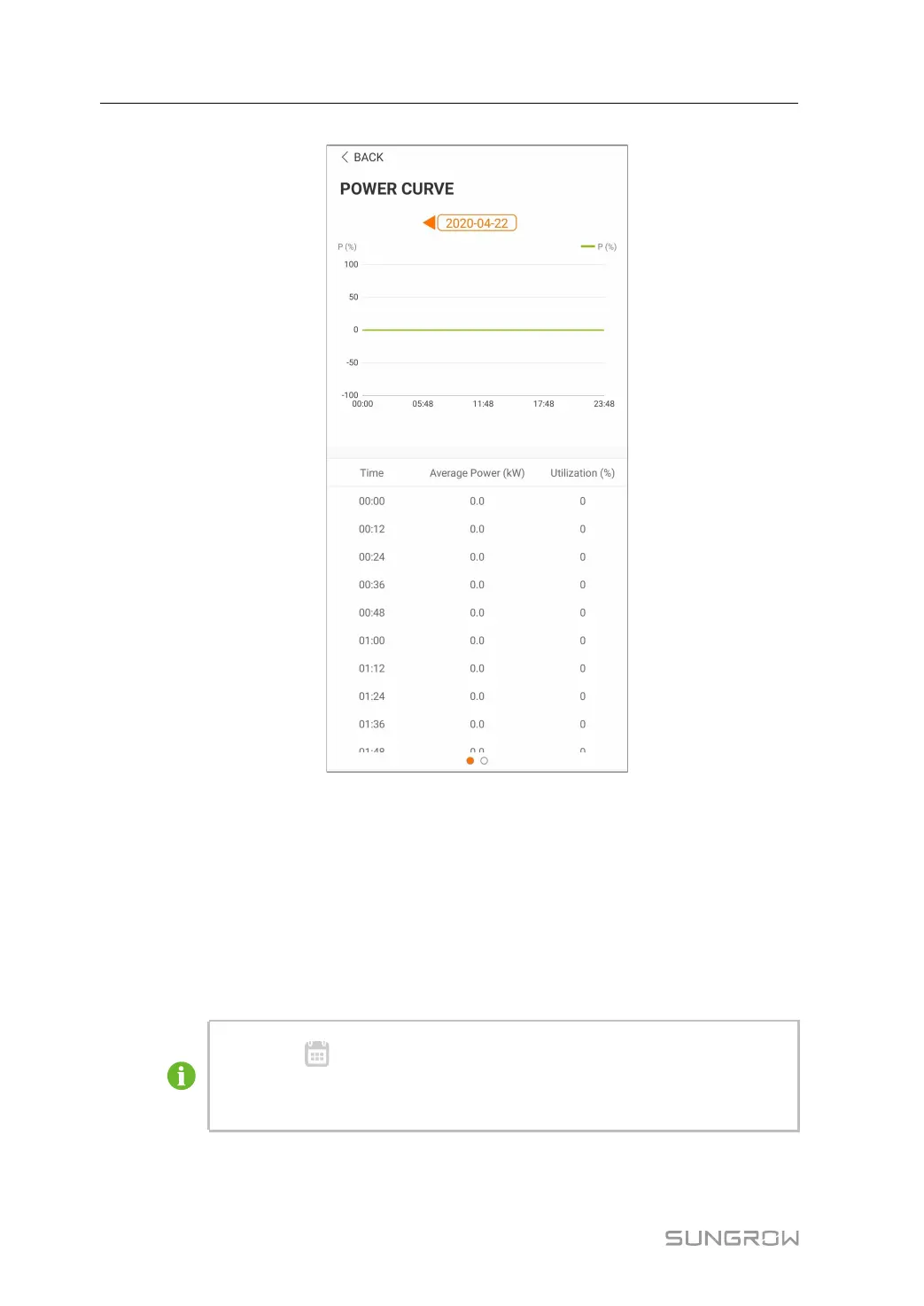
FFiigguurree 77--88 Power curve
Step 2 Tap the time bar on the top of the screen to select a time segment and view the corre-
sponding power curve.
Step 3 Swipe left to check the power yields histogram.
-- -- EEnndd
7.6.3 Event Records
Click“EEvveenntt RReeccoorrddss” to view event record list.
• Click“
” to select a time segment and view corresponding event
records.
• The converter can at most record the latest 400 events.
7 iSolarCloud APP User Manual


 To Next Page