80-0067-00-MO-RevF 2017-10-03 SunTech CT40 User Manual | 13
Mounting Options
The SunTech CT40 is designed to be used on a tabletop or mounted to a wall or mobile stand. Your device may be
delivered with the appropriate mounting kit, depending on the configuration your facility ordered. Please see the
separate mounting hardware instructions.
System Configuration
The SunTech CT40 can be used out of the box with the factory settings. Any changes desired to the factory settings
can be made using the Advanced Configuration Application. The Advanced Configuration Application can be
accessed when the device is connected to a Windows device. Advanced configuration, such as connecting to a
network or EMR system, should be done by a qualified technician. See Advanced Configuration Application Guide
(SunTech document 80-0072-00-MO) for details.
Advanced device configuration, such as choosing either BP or SpO
2
as the pulse rate source, or activating MAP
measurement (not available in the U.S.), is also done using the Advanced Configuration Application.
3. Getting to Know the SunTech CT40
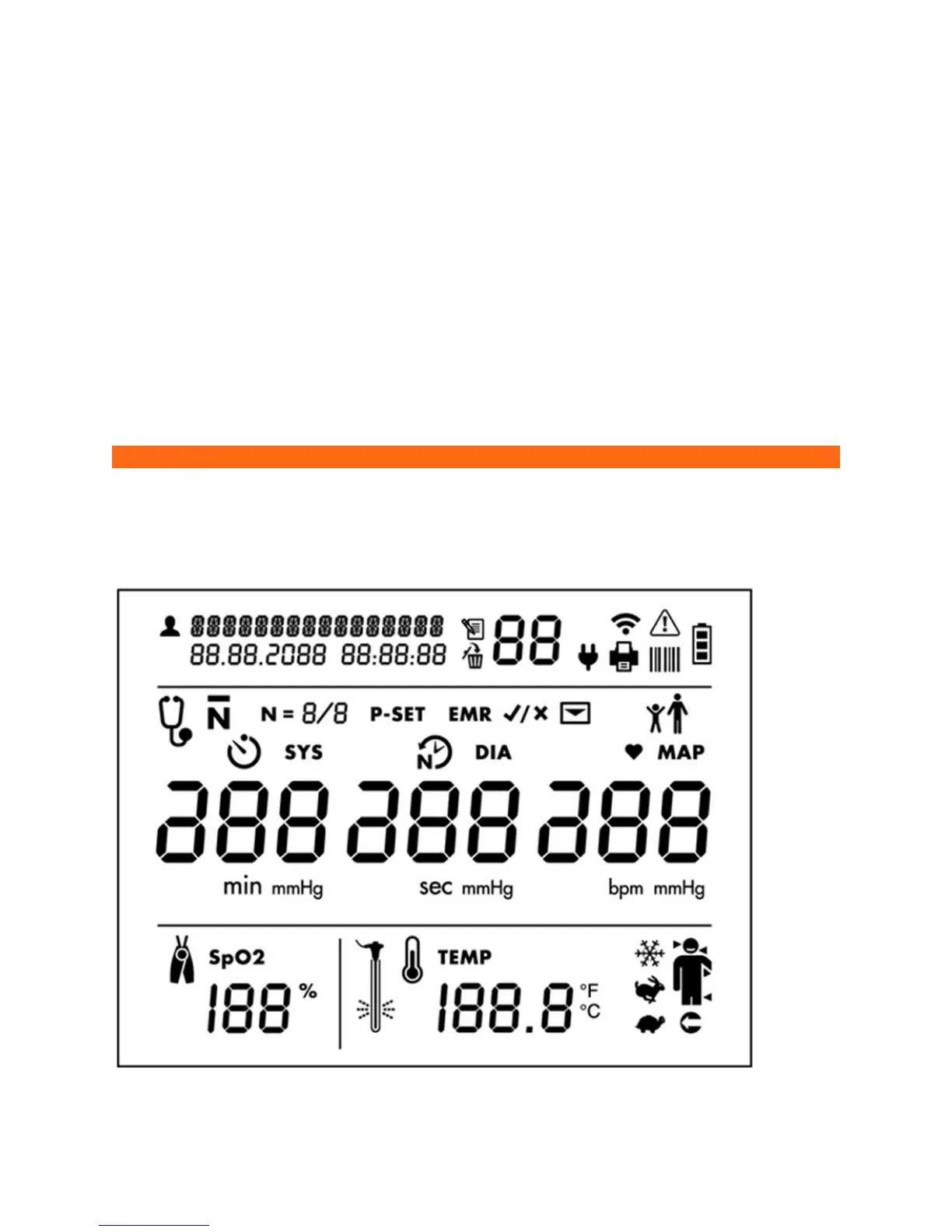
Measurement Display


 To Next Page