Commissioning
36 NT 10000...NT 12000
NOTE
The data for the individual secondary units can be assigned in the Sunways
Browser and in the menu of the main unit based on the IDs.
The CAN-ID 1 is automatically assigned to the main unit. This means the secon-
dary units can be assigned IDs from 2 to 99.
Commissioning cannot be continued until after an ID has been requested from
the main unit.
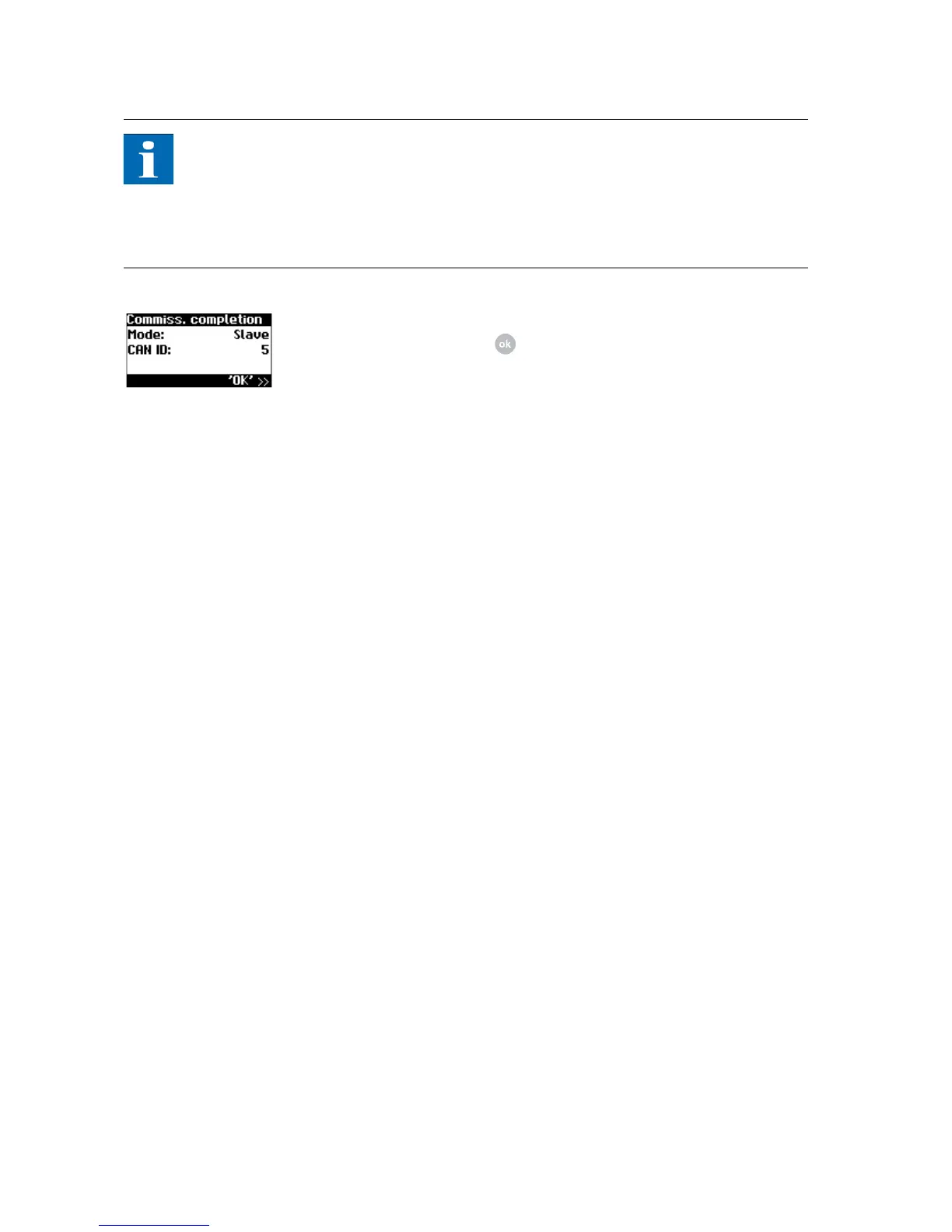
2. Completion of commissioning
Confirm overview with .
3. Commissioning all other secondary units as described above
Later commissioning If you add new units or replace existing ones in your solar system, then you can
display the unit list in the display on the master under Settings - Network - CAN
bus. The new unit can then be put into operation in accordance with the de-
scription for commissioning slaves.



 To Next Page