Operation
38 NT 10000...NT 12000
Solar inverter is not active (night mode)
LED green, continuously lit
Solar inverter is active and feeds into power grid (MPP mode)
LED green, flashing
Solar inverter is active and feeds into power grid, although with current, out-
put or temperature limitation
LED red, continuously lit
A fault has occurred (malfunction)
LED red, flashing
Warning
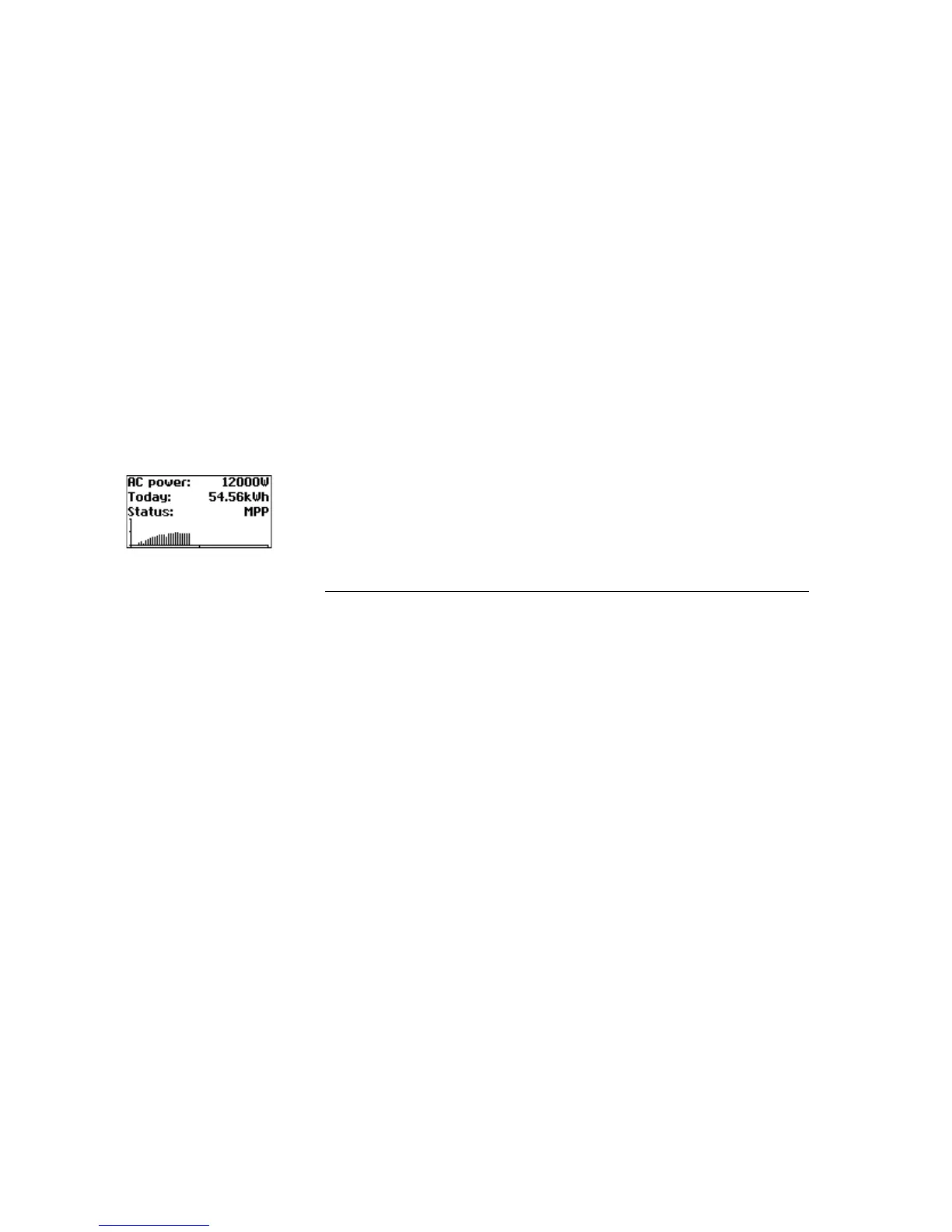
Standard screen (single unit) The standard screen is always shown when no keyboard entry is made for more
than 1 minute. It can also be called up manually with the menu item Solar Inver-
ter – Instantaneous Values.
The standard screen shows the most important data at a glance. In the first line
you see the momentary feed-in power. In the second line the fed-in energy for
the day is shown.
The status signals the unit status with the following messages:
MPP Feeding in MPP mode
OK All networked devices are feeding in
AC cur.lim. Feeding with AC current limitation
AC cur.lim. Feeding with DC current limitation
Temp.lim. Feeding with temperature limitation
Output lim. Feeding with output limitation
Feed. Feed
Warning A warning has been output
Error An error has occurred
Night Night mode
Start Device initialisation phase
COM-Upd The communication software is being updated
Reg.Upd. The control software is being updated
Ueb.Upd. The monitoring software is being updated
Wif Upd. The web interface is being updated
DWifUpd. The dynamic web interface is being updated
MenSUpd. The menu structure is being updated
MenFUpd. The menu error texts are being updated
WifSUpd. The web interface status texts are being updated
RWP.Upd. The read/write parameters are being updated



 To Next Page