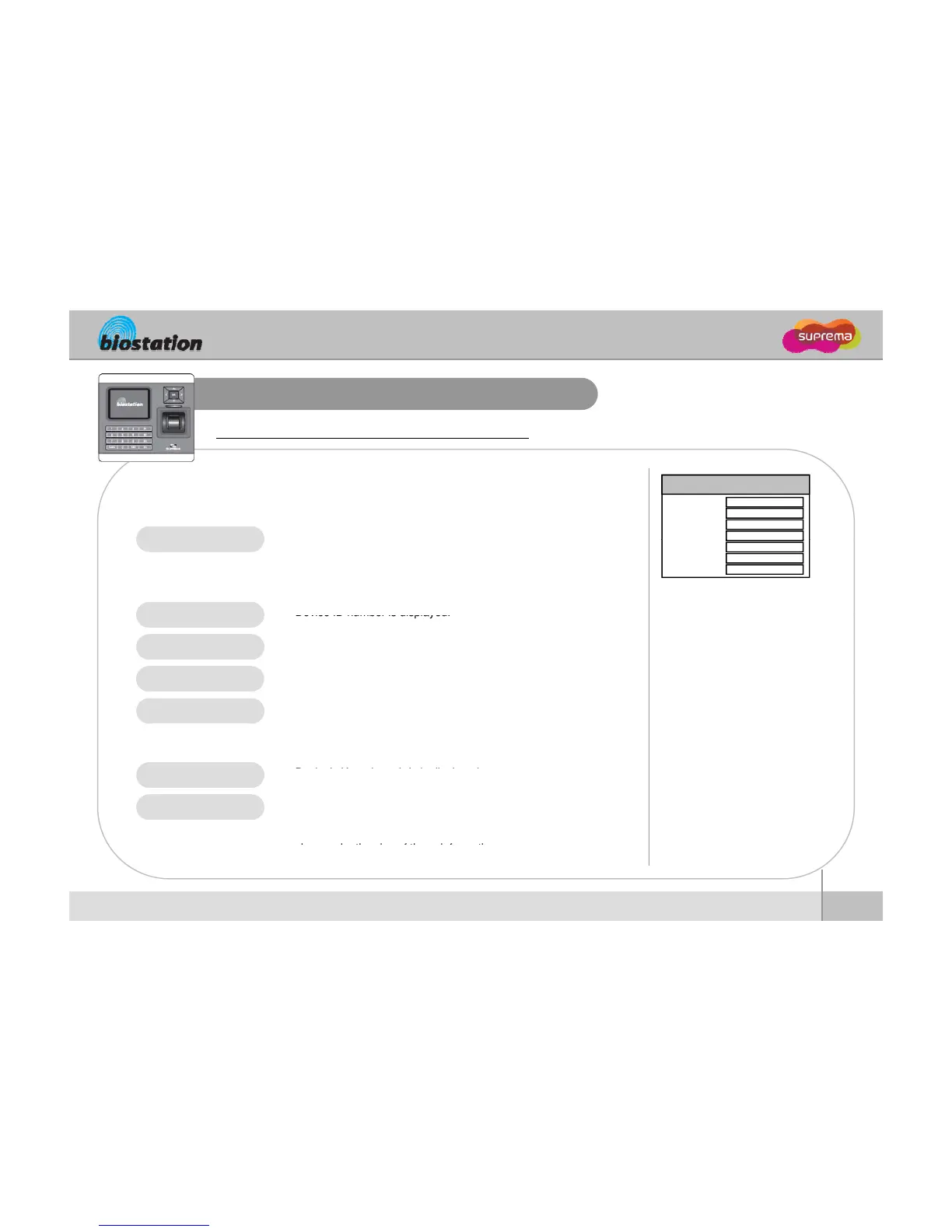
Device Setup - View Device Info
View device’s basic info such as model name and version.
If you select Device Info on device menu, following menus
appear on the display.
z Model name is displayed according to types of fingerprint sensor.
Device Info
StandardModel
Device ID
MAC
HW Version
1301
00:17:fc:10:05:15
Rev. E
z Optical sensor : BST-OC
z Capacitive sensor : BST-TC
z Thermal swipe sensor : BST-FC
z
Device ID number is displayed.
FW Version
Kernel Ver.
Memory
V1.0
7/19 MB
z Device’s Ethernet MAC address is displayed.
z Device’s hardware version is displayed.
HW Version
MAC
z Device’s firmware version is displayed.
z Firmware and kernel can be upgraded using BioAdmin program
when new firmware is released.
.
z Overall available storage and currently used storage are displayed.
z In the internal memory of BioStation, various information like user
info, log, background and sounds are stored, so used memory
Kernel Ver.
Memory
56
ⒸCopyright 2008 Suprema Inc.
c
on.
For Administrators - Advanced Functions




 To Next Page