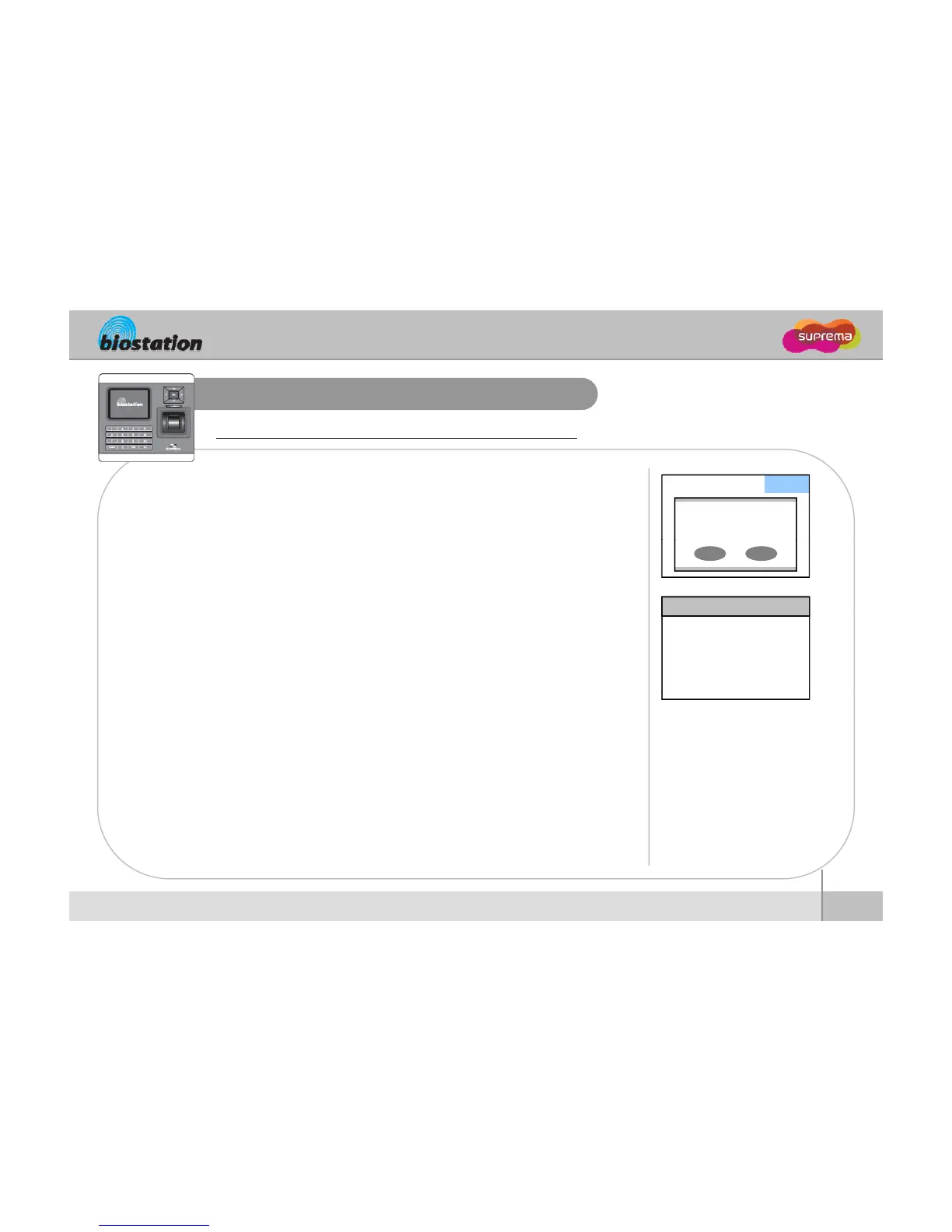
View user’s Access/T&A event records
General users can check their own access and T&A event records.
If you press ESC key on initial screen, a message requesting
user fingerprint or password appears on the display.
Admin fingerprint or
master password
▼ T&A
If user enter his/her fingerprint or password, access and T&A
event records displays as below
.
9/14 13:39 Duress (Menu) 123456
9/14 13:30 Identify OK (Menu) 1111
9/14 13:25 Duress (Menu) 123456
9/14 12:51 Identify OK (Menu) 1111
9/14 12:45 Duress (Menu) 123456
9/14 12:43 Identify OK (Menu) 1111
9/14 12:39 Duress (Menu) 123456
9/14 12:26 Identify OK (Menu) 1111
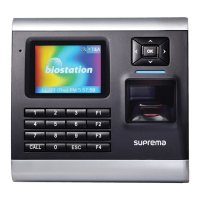
Press up/down navigation key to scroll a log one by one.
Press left/right navigation key to scroll a log page by page
Press OK key to display the latest log.
71
ⒸCopyright 2008 Suprema Inc.
For General Users







 To Next Page