SP91 User Manual
Length unit. 1 inch=25.4mm.
(9) MSB
Most Significant Bit
(10) LSB
Least Significant Bit
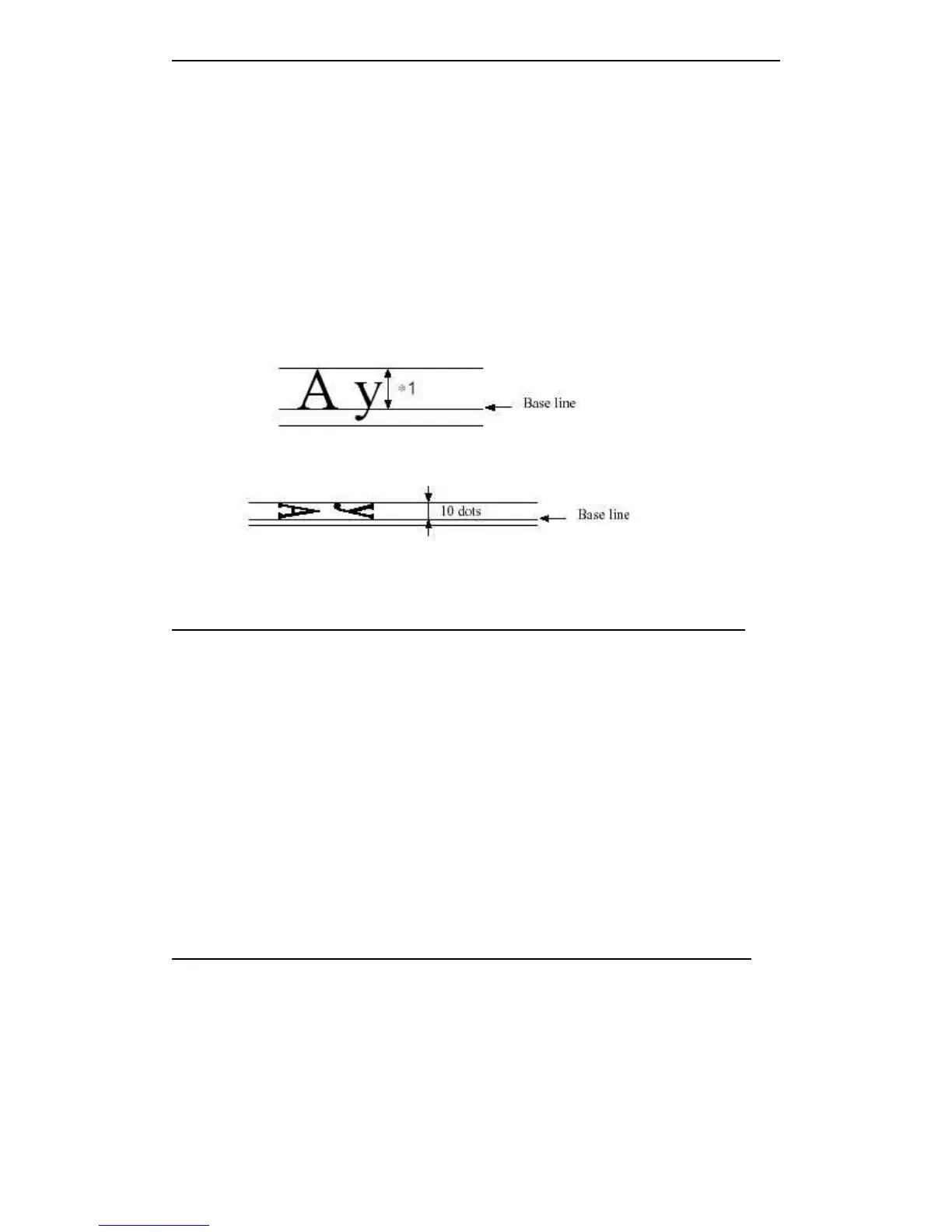
(11)Baseline
The standard position of the character data wh at sto cked in the print buffer area. The
following indicates the general characters position under the standard mode and page
mode:
*1 When selecting character
font A, the width is 21 dots
When selecting character B,
the width is 16 dots.
Rotate the characters under the standard mode: ( only when selecting the font A )
5.3 Detailed Explanation of Commands
HT
HT
HT
HT
[Name] Horizontal tab
[Format] ASCII HT
HEX 09
Decimal 9
[Description] Moves the print position to the next horizontal tab position.
[Pa r ticularize] • If didn ’ t set the next horizontal tab position, then this command will be ignored.
• If the next horizontal tab position is out of the print area, then moving the print position
to “ print area width+1.
• Set horizontal position through ESC
ESC
ESC
ESC D
D
D
D command.
• Print position set on “ print area width+1 ” and receive this command, the printer moves
ahead when buffer full, and execute the horizontal tab position at the starting of the
next line.
[Reference] ESC
ESC
ESC
ESC D
D
D
D
LF
LF
LF
LF
[Name] Print and line feed
[Format] ASCII LF
HEX 0A
Decimal 10
[Description] Prints the data in the print buffer and feeds one line, based on the current line spacing.
Moves the print position to the next horizontal tab position.
[Note] This command set the print position to the starting of the line.



 To Next Page