6.5 TIME SETTINGS
• To change the time Settings on your Ai Navigator GPS
+
, tap the
Settings option from the Home Screen then tap Time. From here you
will be able to change your displayed time format, date format and
adjust for Daylight Savings.
6.6 LANGUAGE SELECTION
• To change the language of your Ai Navigator GPS
+
, select Settings
from the Home Screen then tap Language. From here you can
select the preferred language to be displayed.
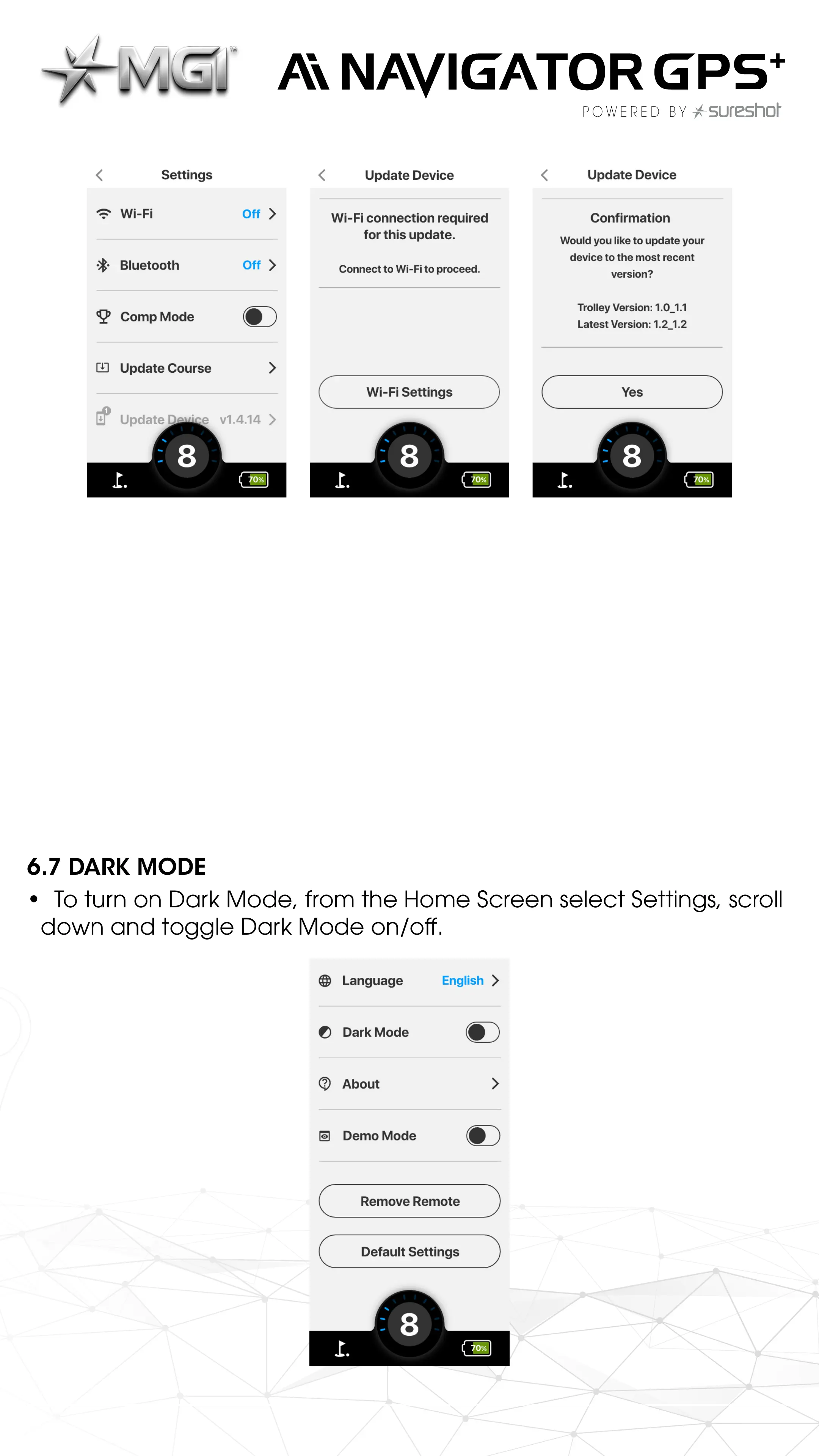
6.7 DARK MODE
• To turn on Dark Mode, from the Home Screen select Settings, scroll
down and toggle Dark Mode on/o.
MGI Ai Navigator GPS
+
Top Box Manual 1.0 14



 To Next Page
 Loading...