OPERATING PROCEDURES
18 OP CIC1200E Rev4.0 06-09 Chapter 4
4
4.6.2. Idle Mode
Note:
This section is valid ONLY for software revision
< 2.00.
The exposure lamp has been ignited and after 5 min-
utes (depending on the lamp type) has become op-
erational. The alphanumeric display labeled LAMP
POWER shows the message;
XXXX [W]
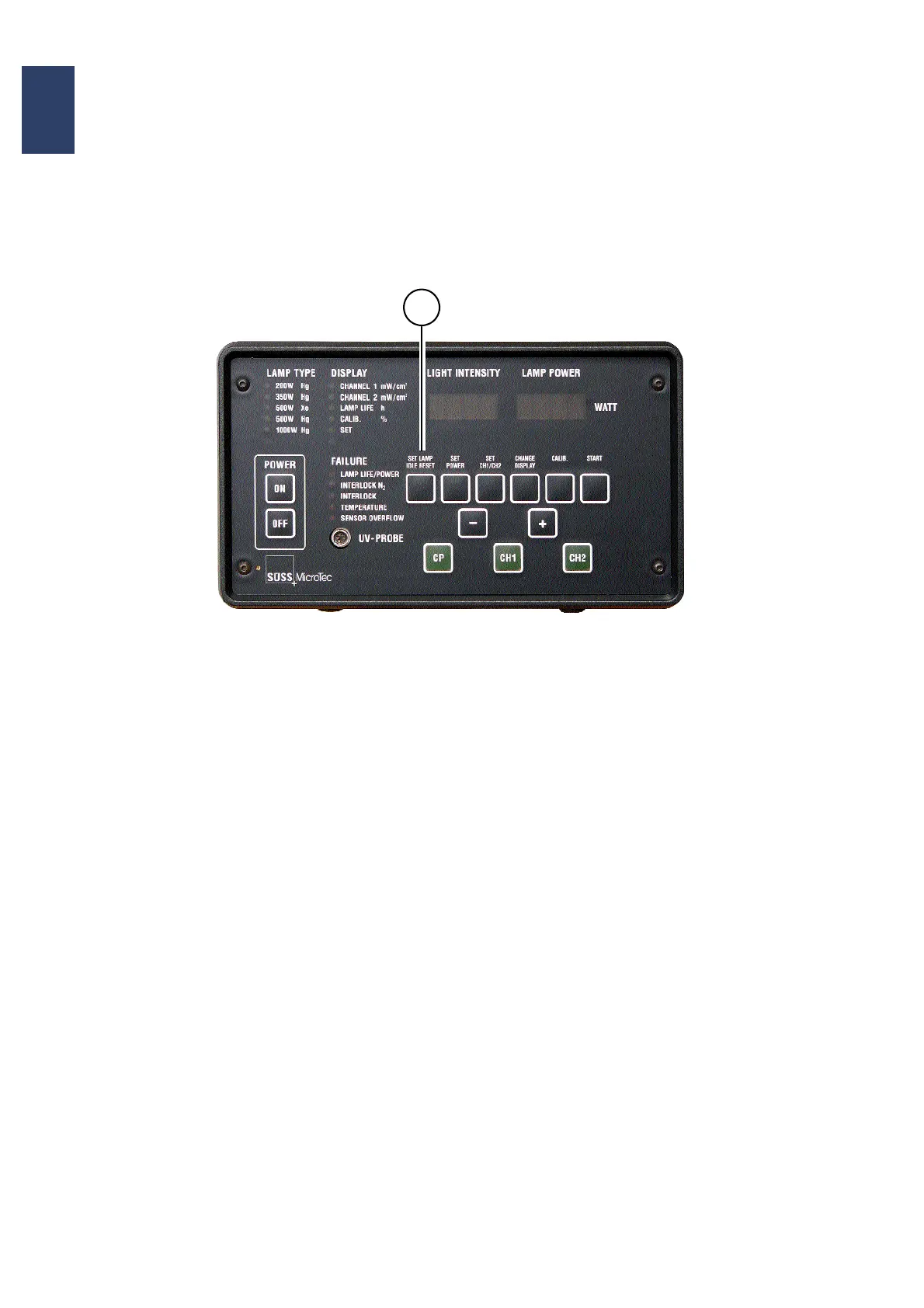
To run the lamp in IDLE mode actuate the key IDLE.
The display shows:
IDLE XXX [W]
In IDLE mode the lamp power is reduced to P
idle
ac-
cording to table Program Parameters (chapter 3).
Quit the IDLE mode by actuating the key IDLE again
or by just actuating the key CP.
1
Control Panel of the CIC1200


 To Next Page