OPERATING PROCEDURES
22 OP CIC1200E Rev4.0 06-09 Chapter 4
4
tuate the key START and the alphanumeric display
shows the average value of the measurements pre
-
viously performed.
AVER XXXX [mW/cm
2
]
Actuate the key START again and the display shows
the spread of measurements previously performed.
Formula: Value
max
- Value
min
x 100%
Value
max
+ Value
min
Actuate the key CALIB and the average value is
stored.
A high pitched „beep“ will be heard and the alphanu-
meric display shows:
STORED
Thus the average value of the measurements is
stored and the CIC returns automatically to the CP
mode.
Same procedure applies for the other CHANNEL
(UVPI).
4.7.3. Calibration Procedure with
External UV-Meter
Note:
To measure the light intensity of the UV-light
beam it is necessary to use a calibrated UV in
-
tensity meter, whose probes band-pass filters
should be identical to those of the optical sen
-
sors used with the CIC controller. Therefore
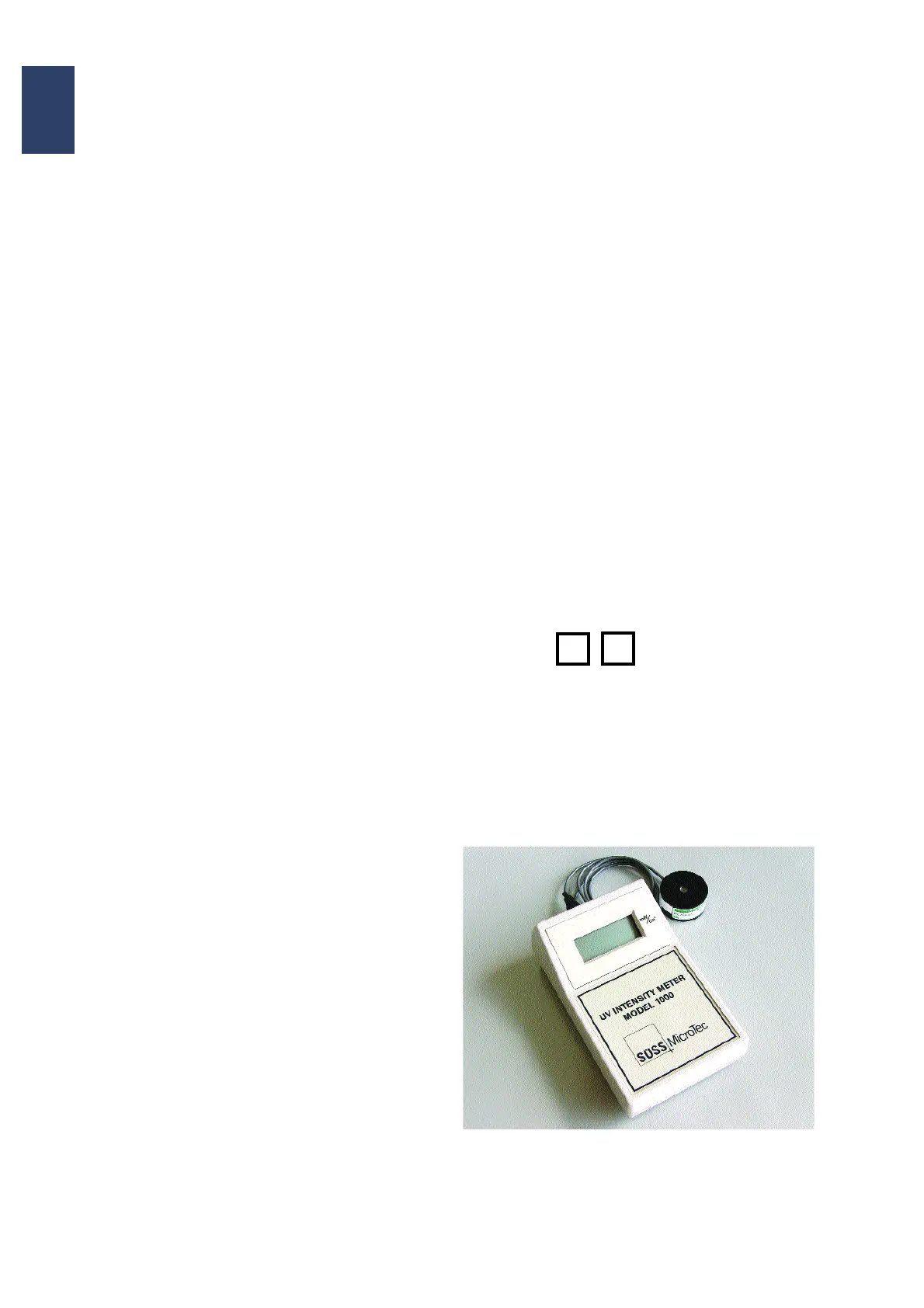
SUSS recommends the use of the SUSS UV in
-
tensity meter UV1000. See also Operator’s Man-
ual of the machine for details of light
measurement.
From the data obtained calculate the average inten-
sity of the lamp.
Press key CALIB until the annunciator reads:
CAL-EXT1
Press the key START to enter the calculated value.
Enter calculated average value for light intensity by
actuating the keys:
respectively:
Upon completion validate with CALIB.
A high-pitched „beep“ is heard. The alphanumeric
display shows STORED and the parameter is simul
-
taneously stored. The calibration of the CIC is fin-
ished.
Same procedure applies for calibrating Channel2
i.e. CAL-ext2.
UV Intensity Meter with probe. Fig. 4.8
+
-


 To Next Page