3
1.4.1 Controls
Vacuum Fluorescent
Display
Displays program parameters.
Reset Re-initializes the controller.
Keypad Used to program parameter values and execute programs.
Keys:
0-9 Used for choosing the desired program or control function,
entering numeric values when programming and to make YES/NO
(1/0) decisions.
CLR Used to delete programs or numeric values entered into those
programs. This key is also used to access the RAMP TEST.
ENTR Used to enter new values.
NEXT Used to move to the next line in a program while editing.
LAST Used to move to the previous line in a program while editing.
PULL Initiates the execution of a program.
STOP Aborts the execution of a program.
1.4.2 Display
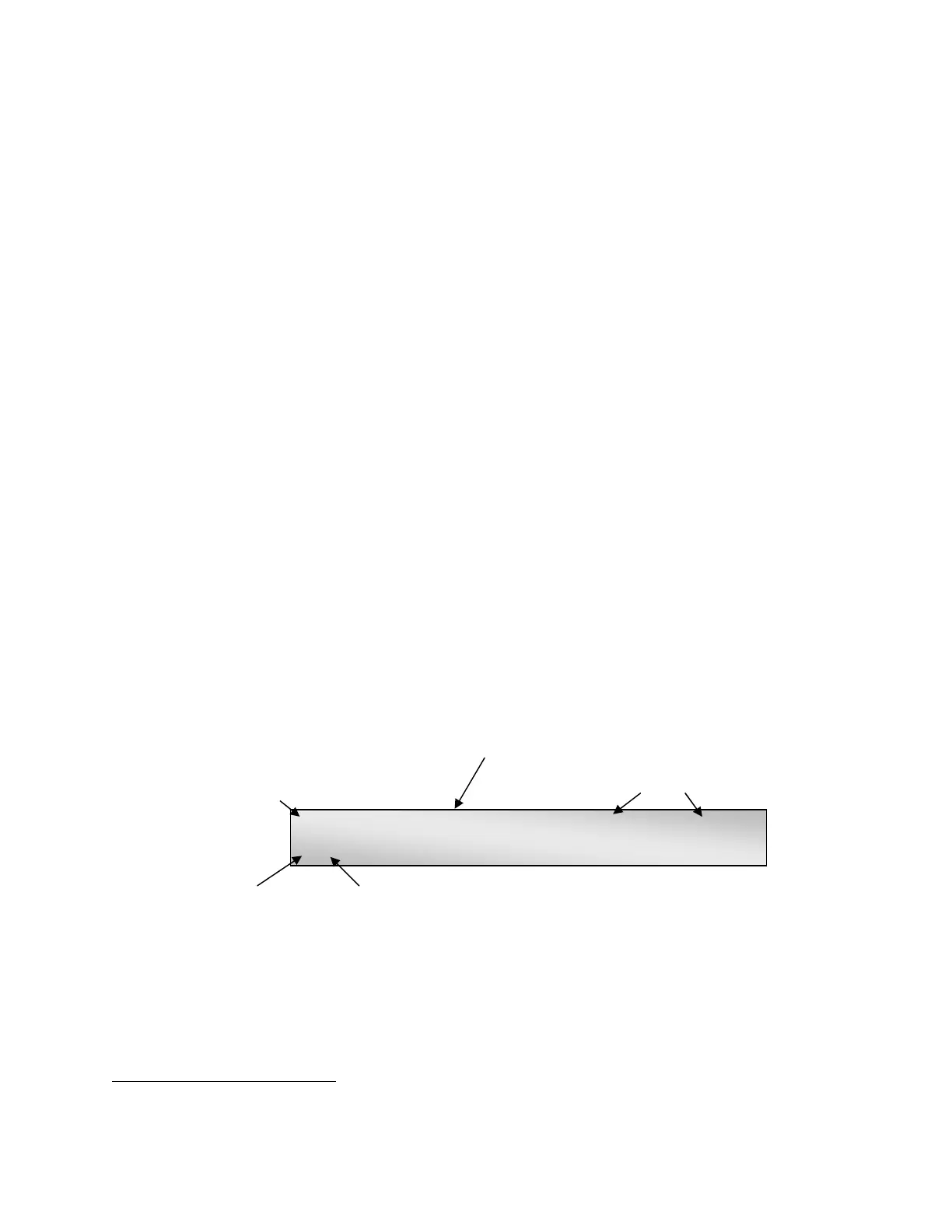
The P-97 has a two line vacuum fluorescent display for easy viewing from any angle. The
following figure demonstrates what you will see after you have selected a program. A brief
description of each parameter is provided below.
Write Protection
Off
Last Date/Time edited
Pressure Setting
UNLOCKED P=500 JAN 18, 1997 2:30 PM
3 1 HEAT=525,PULL=90,VEL.= 80,TIME=250
Pro
ram #
Pro
ram Line #
Figure 1-2. Program Display.
PROGRAM
(0-99)
A program consists of one or more cycles
1
1
which, when executed in
sequence, will ‘pull’ the capillary glass inserted in the instrument. A
program can be up to 8 cycles in length
1
A CYCLE consists of four programmable parameters; HEAT, PULL, VELOCITY and either TIME or DELAY. A CYCLE is equivalent to one line of program code. The
sequence of events during execution of a cycle is described in the PROGRAMS SECTION of this manual.
P-97 FLAMING/BROWN MICROPIPETTE PULLER OPERATION MANUAL – REV. 2.43 - DOM (20161118)



 To Next Page