19
2
2-1. Basic information before operation
Basic function
COROLLA_HV(TMUK)_OEM_MM_(EE)
aging of a cigarette box
• Metallic wallets or bags
•Coins
• Discs, such as a CD or DVD
If the operable part of a capaci-
tive touch screen button is
wiped, it may operate uninten-
tionally.
If the capacitive touch screen
button is being touched when the
power switch is changed to ACC
or ON, the button may not oper-
ate properly. In this case, remove
anything touching the button,
turn the power switch to OFF
and then turn it to ACC or ON, or
restart the system by press and
hold the “POWER VOLUME”
knob for 3 seconds or more.
●
Capacitive touch screen button sen-
sor sensitivity can be adjusted.
(P. 48)
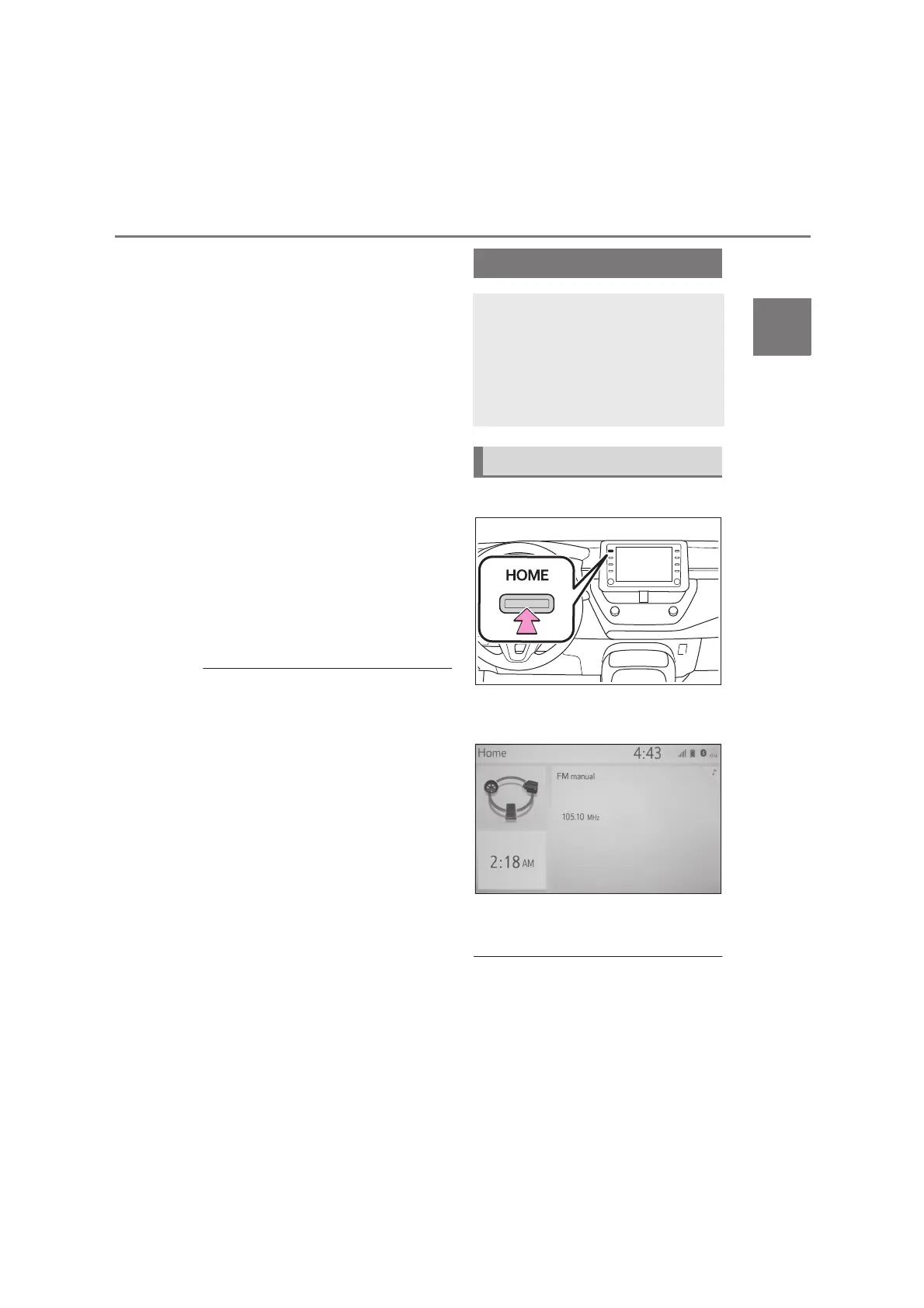
1 Press the “HOME” button.
2 Check that the home screen is
displayed.
Selecting a screen will display it
full screen.
●
The display information and area on
the home screen can be customize.
Home screen operation
On the home screen, multiple
screens, such as the
audio/visual system screen,
hands-free screen and clock
screen, can be displayed
simultaneously.
Home screen operation


 To Next Page