38
2-2. Connectivity settings
COROLLA_HV(TMUK)_OEM_MM_(EE)
tem
Select to reset all setup items.
■
Editing the system name
1 Select “System name”.
2 Enter a name and select “OK”.
■
Editing the PIN code
1 Select “System PIN code”.
2 Enter a PIN code and select
“OK”.
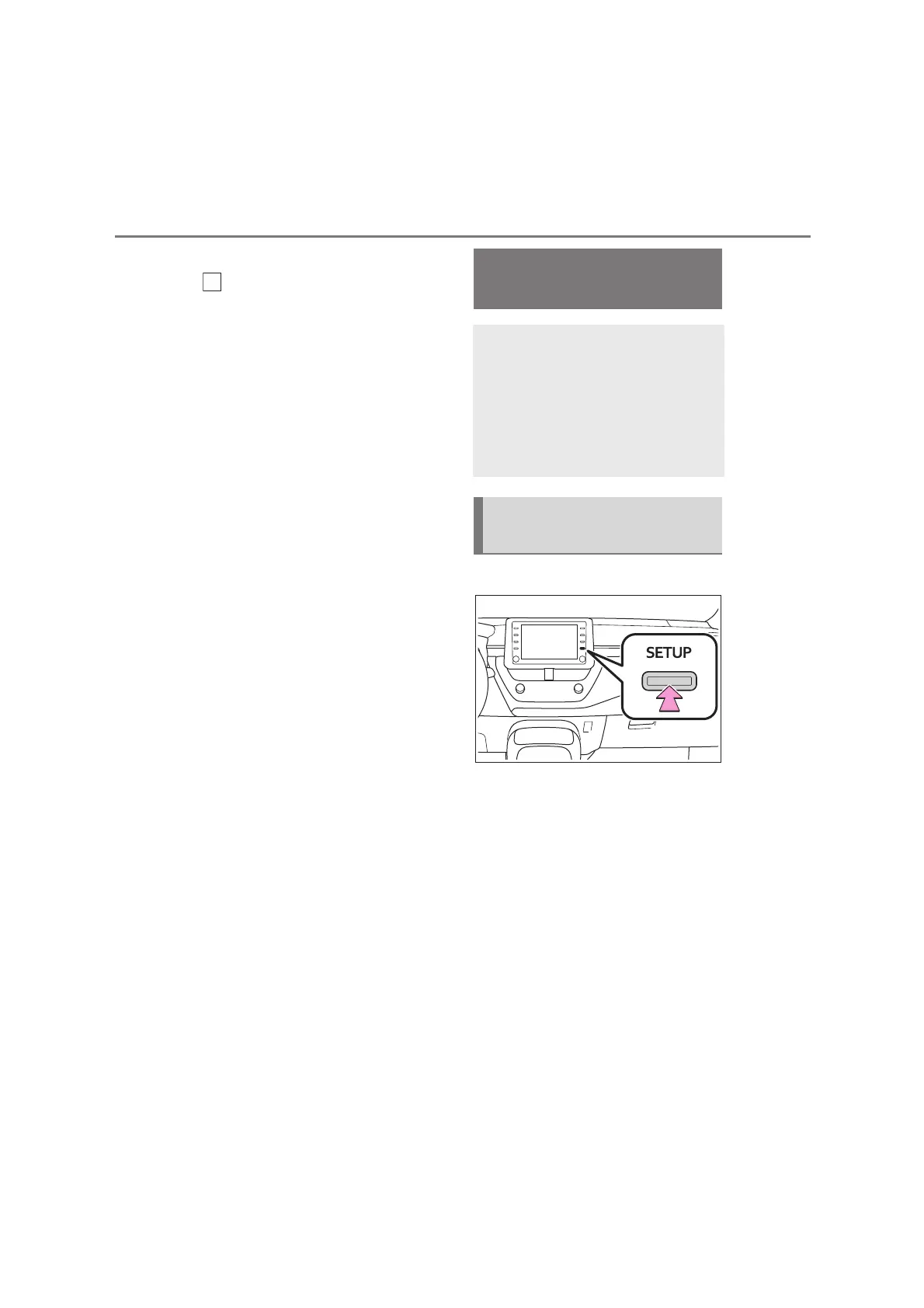
1 Press the “SETUP” button.
2 Select “Wi-Fi
*
”.
3 Select the desired items to be
set.
*
:Wi-Fi
®
is a registered trademark of
Wi-Fi Alliance
®
.
G
Connecting to Miracast
®
via Wi-Fi
®
Using the Wi-Fi
®
function, this
system can connect to
Miracast
®
. But this function is
not for connecting to internet.
It’s only for connecting to
Miracast
®
.
Displaying the Wi-Fi
®
set-
tings screen


 To Next Page