72
3-3. Media operation
COROLLA_HV(TMUK)_OEM_MM_(EE)
Select to play/pause.
Select to change the track.
Displays cover art
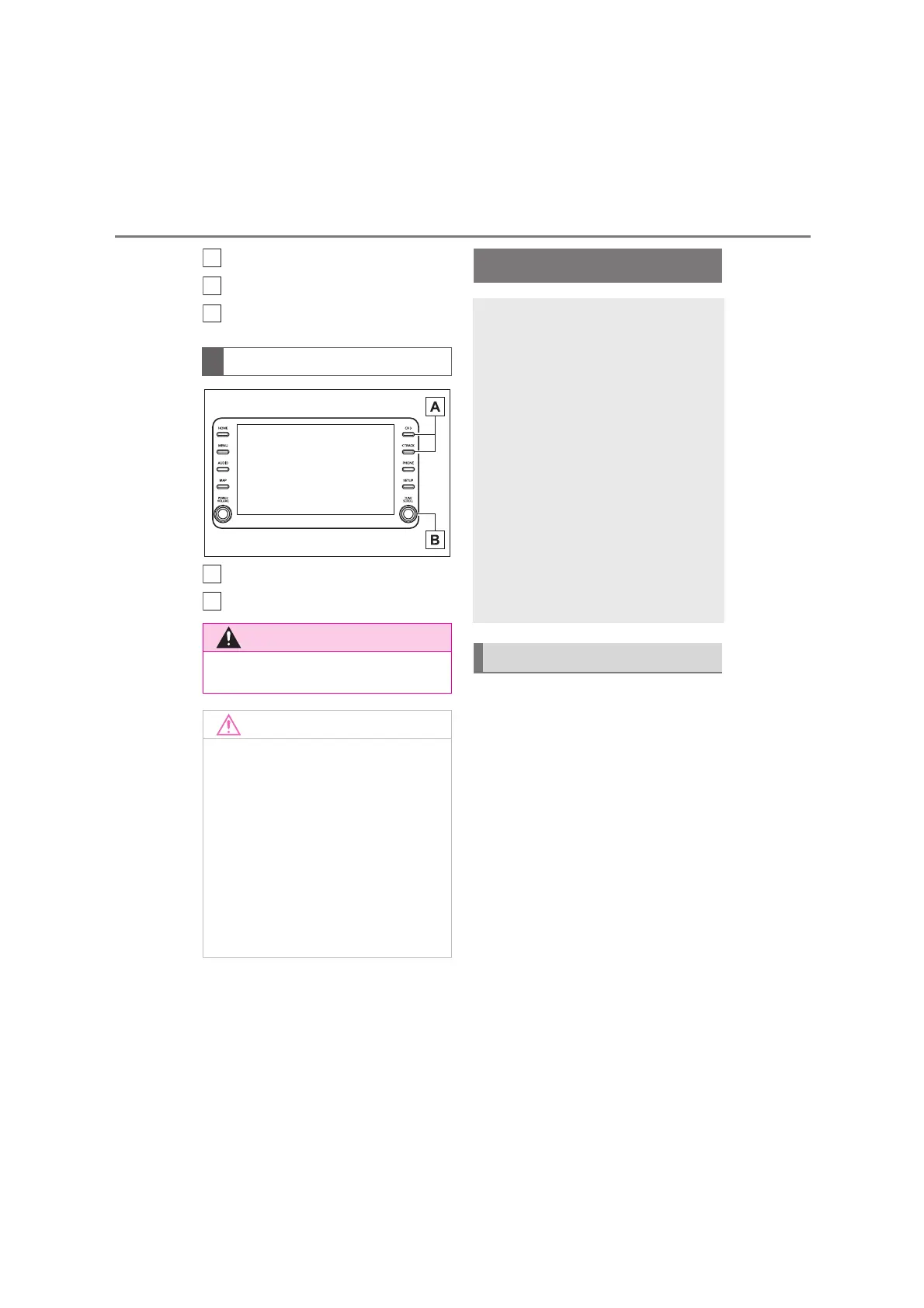
Press to change the track.
Turn to change the track.
The Bluetooth
®
audio operation
screen can be reached by the fol-
lowing methods: P.57
Connecting a Bluetooth
®
audio
device (P. 75)
Depending on the type of portable
player connected, some functions
may not be available and/or the
screen may look differently than
shown in this manual.
When an Apple CarPlay/Android
Auto connection is established,
Bluetooth
®
audio will be suspended
and become unavailable.
*
*
: This function is not available in some
countries or areas.
Control panel
●
Do not connect smartphone or
operate the controls while driving.
●
Do not leave your smartphone in
the vehicle. In particular, high tem-
peratures inside the vehicle may
damage the smartphone.
●
Do not push down on or apply
unnecessary pressure to the
smartphone while it is connected as
this may damage the smartphone
or its terminal.
●
Do not insert foreign objects into
the port as this may damage the
smartphone or its terminal.
F
G
H
A
B
Bluetooth
®
audio
The Bluetooth
®
audio system
enables users to enjoy listen-
ing to music that is played on a
portable player on the vehicle
speakers via wireless commu-
nication.
This audio/visual system sup-
ports Bluetooth
®
, a wireless
data system capable of playing
portable audio music without
cables. If your device does not
support Bluetooth
®
, the
Bluetooth
®
audio system will
not function.
Overview


 To Next Page