30
2-2. Connectivity settings
COROLLA_HV(TMUK)_OEM_MM_(EE)
trol the A/V equipment.
●
This system is not guaranteed to
operate with all Bluetooth
®
devices.
●
If your cellular phone does not support
HFP, registering the Bluetooth
®
phone
or using OPP, PBAP or MAP profiles
individually will not be possible.
●
If the connected Bluetooth
®
device
version is older than recommended or
incompatible, the Bluetooth
®
device
function may not work properly.
●
Certification
Bluetooth is a registered trademark of
Bluetooth SIG, Inc.
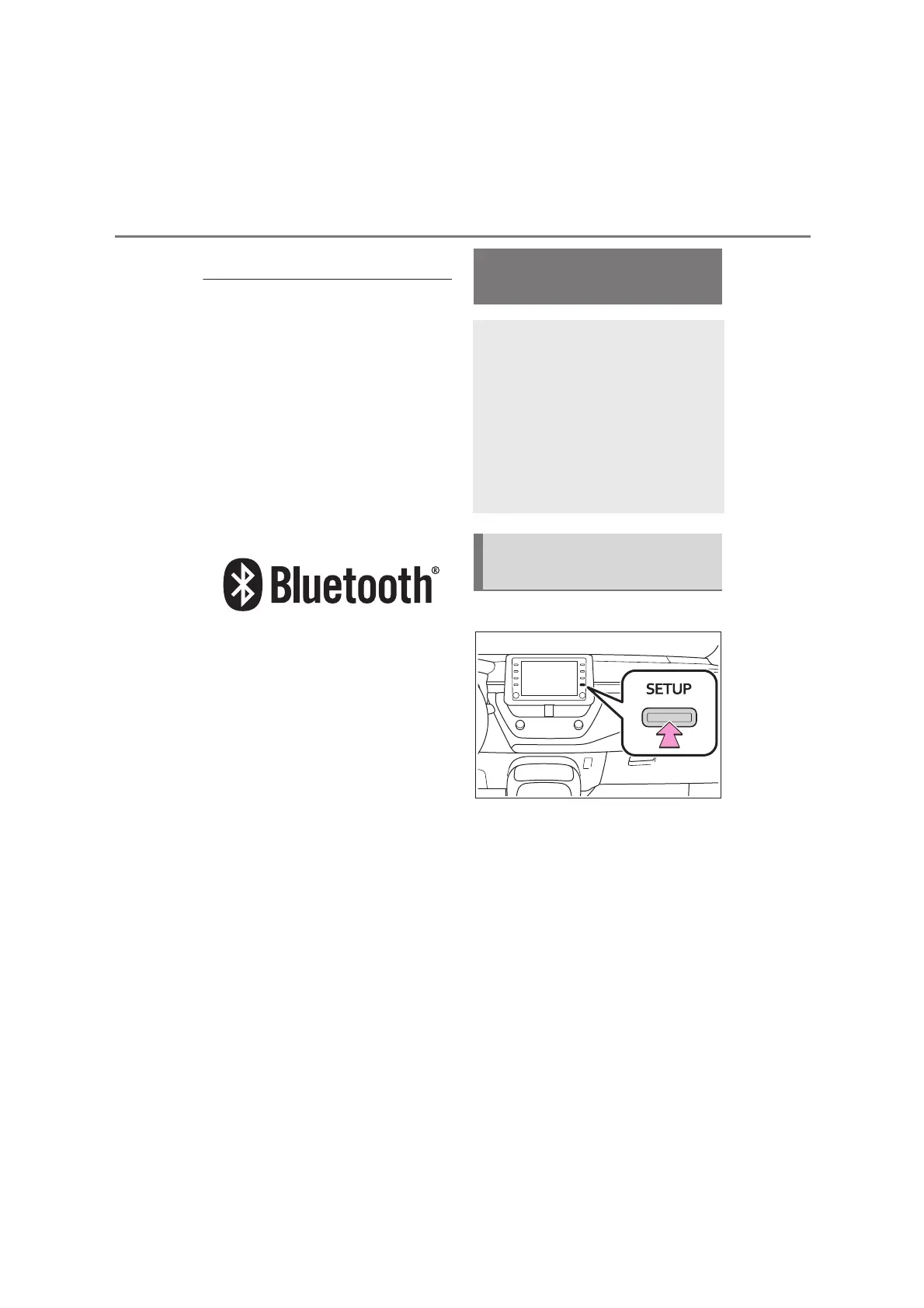
1 Press the “SETUP” button.
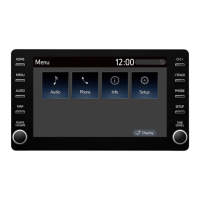
2 Select “Bluetooth”.
3 Select the desired item to be
set.
Setting Bluetooth
®
details
When an Apple CarPlay con-
nection is established, this
function will be unavailable.
*
When an Android Auto con-
nection is established, some
functions will be unavailable.
*
*
: This function is not available in
some countries or areas.
Displaying the Bluetooth
®
setup screen


 To Next Page