56
3-1. Basic operation
COROLLA_HV(TMUK)_OEM_MM_(EE)
3-1.Basic operation
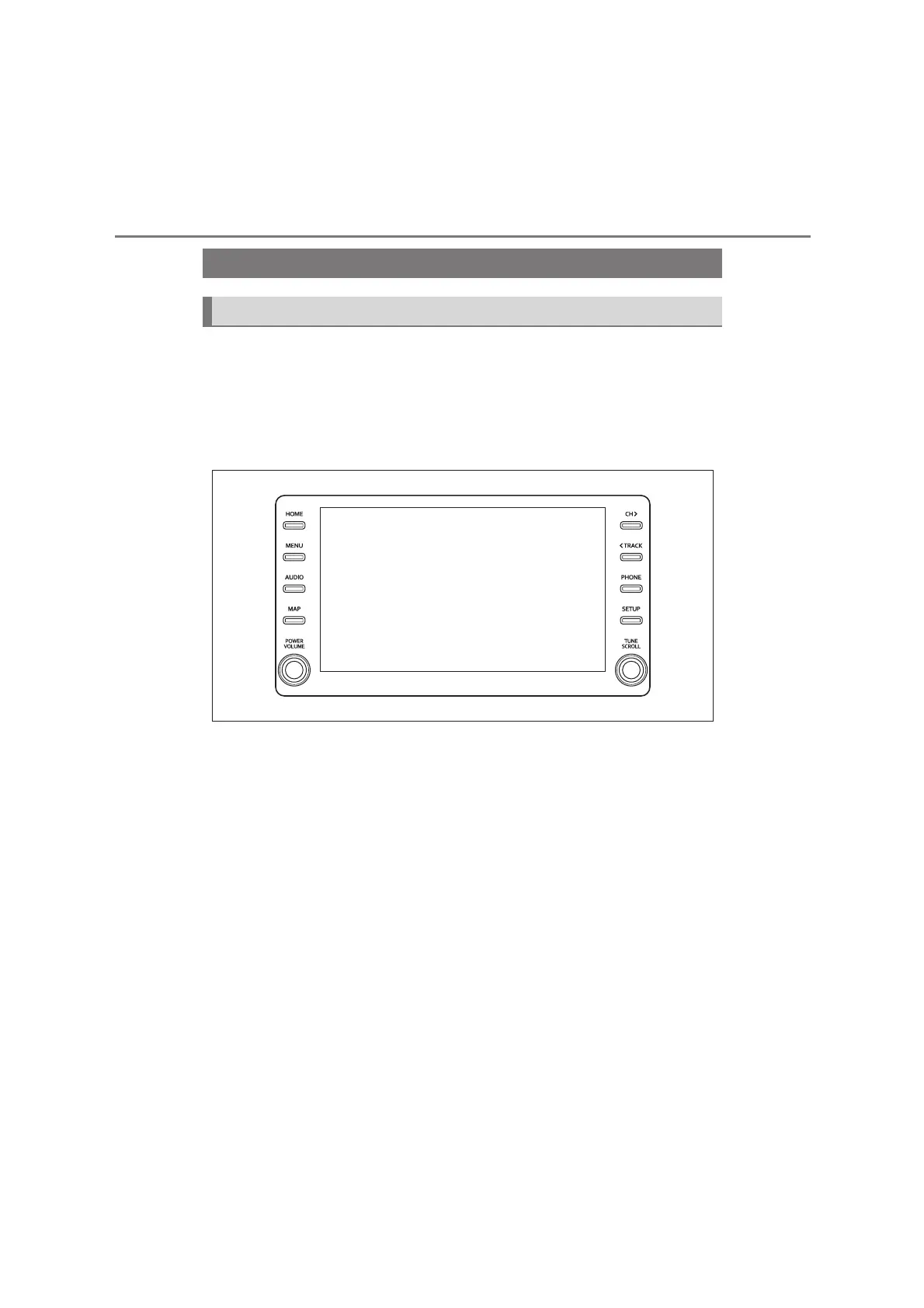
The audio control screen can be reached by the following methods:
From the “AUDIO” button
1 Press the “AUDIO” button.
From the “MENU” button
1 Press the “MENU” button, then select “Audio”.
Using the radio (P.62)
Playing a USB memory (P. 67)
Playing an iPod/iPhone (Apple CarPlay
*
) (P. 6 9)
Using the Android Auto
*
(P. 71)
Playing a Bluetooth
®
device (P. 7 2 )
Using the Miracast
®
(P. 75)
Using the steering wheel audio switches (P. 78)
Audio system settings (P. 7 9 )
*
: This function is not available in some countries or areas.
Quick reference
Functional overview


 To Next Page