Page
10
of
45
IAM03 Time Clock User Manual
Version 1.00
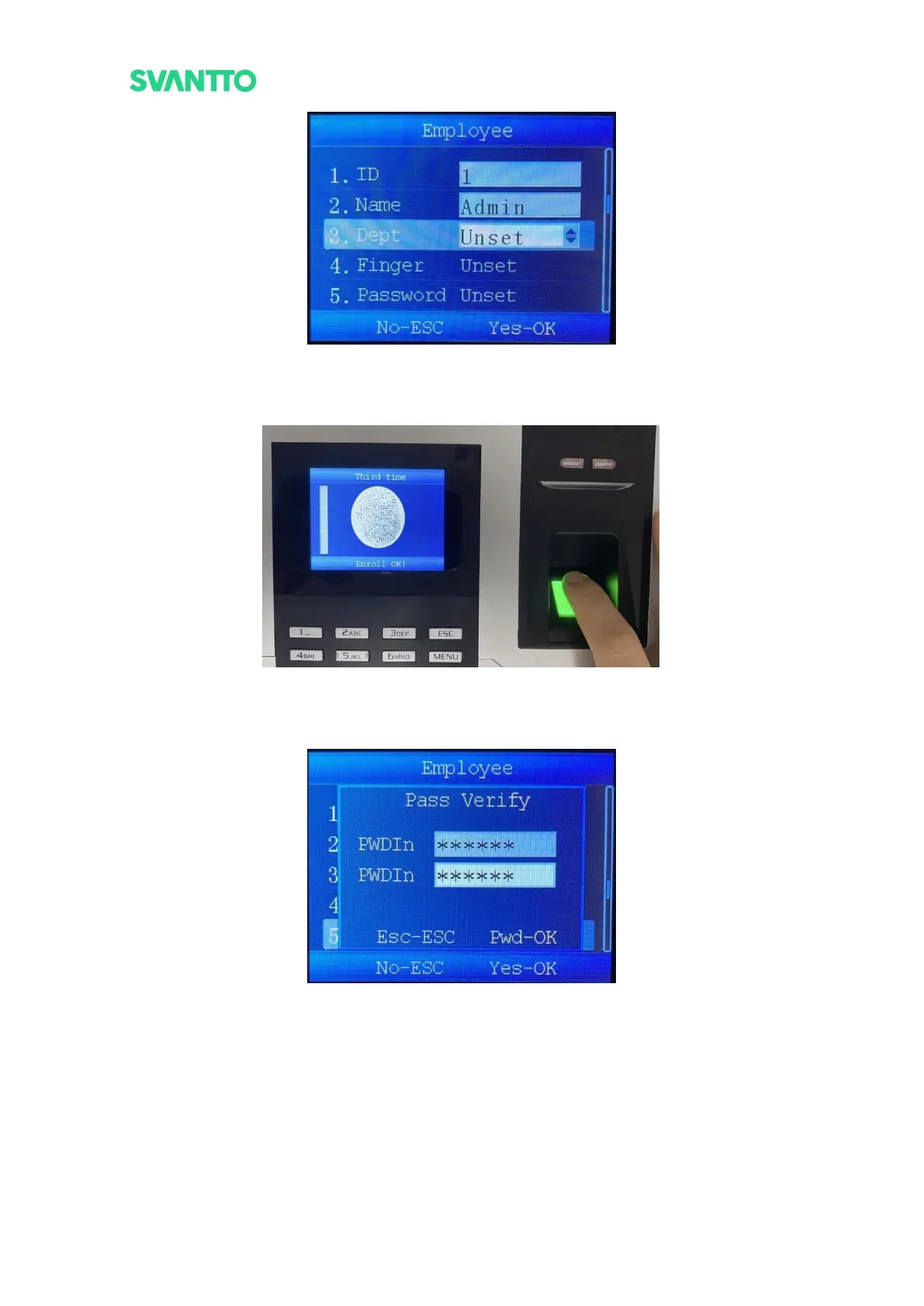
Figure 3-6 Department Enter Interface
7) Select [Finger], press [OK] key to enter the finger setting interface. Press the finger three time to
complete the enroll of finger.
Figure 3-7 Finger Enter Interface
8) Select [Password], press [OK] key to enter the password setting interface. Enter the same password
twice then press [OK] key to complete password setting.
Figure 3-8 Password Enter Interface
9) Select [Card], press [OK] key to enter the Card setting interface. Put one card on the scan area, then
press [OK] key to complete card setting.



 To Next Page