Page
9
of
45
IAM03 Time Clock User Manual
Version 1.00
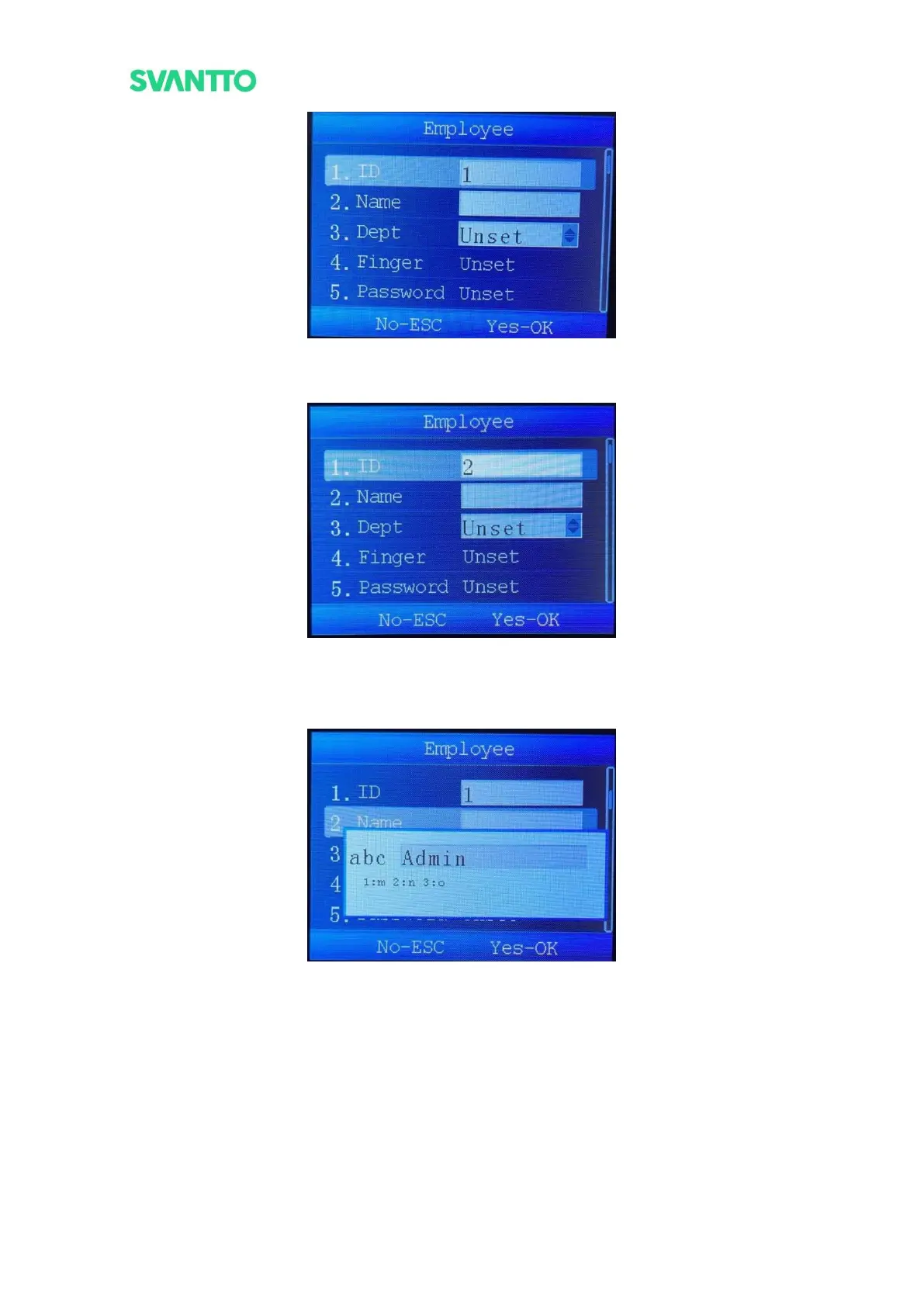
Figure 3-3 Register Interface
4) Set the user ID in the order of 1, 2, 3 ......
Figure 3-4 ID Enter Interface
5) Select [Name], press [OK] key to enter the name setting interface.
Note: You can switch numbers, letters and symbols by pressing the power key.
Figure 3-5 Username Enter Interface
6) Select [Depart], select user department.
Note: The departments set can refer to section 4.1.6.



 To Next Page