Back to top
43
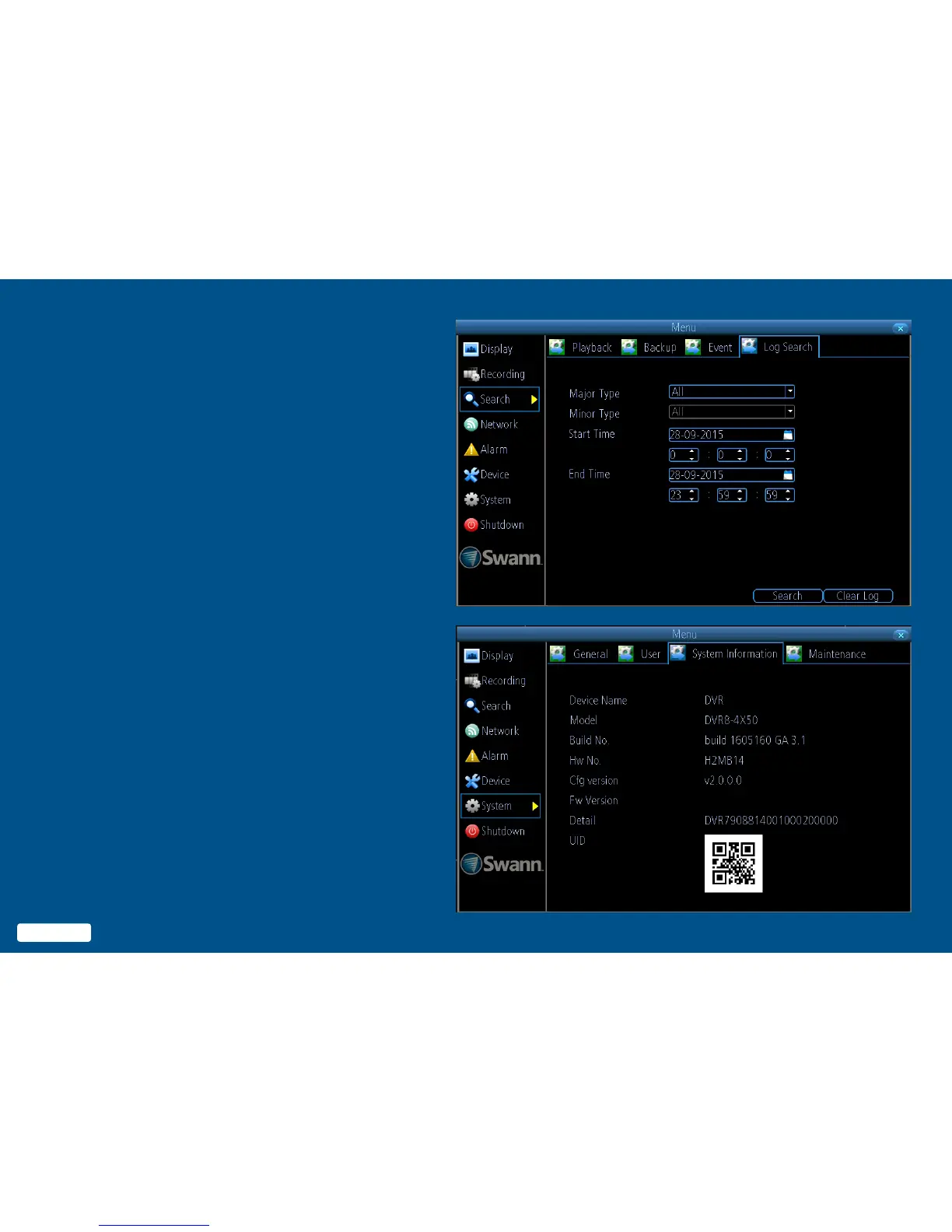
System Status
The various status tabs give you an
overview of the various settings and
options that have been selected for
your DVR to function. Each action that
your DVR performs as well as events
detected are logged, which you can
search and view. If you call our help-
desk for assistance, our staff may
ask you to access these tabs to assist
them in solving any technical issues
that you may be having.
Note: DVR8-4X50 screen shown as example.
43
Back to top


 To Next Page