29
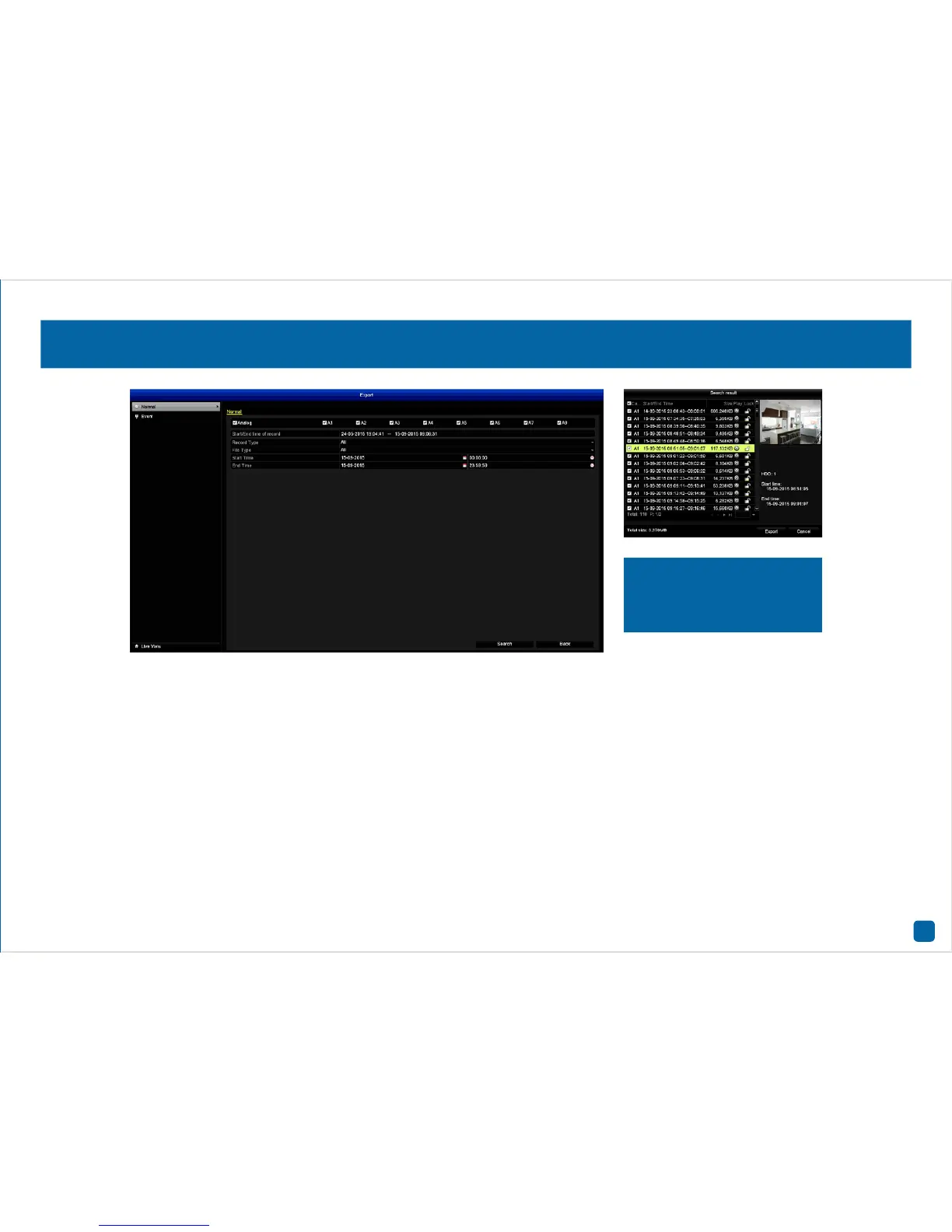
Analog: Click this to select all cameras or select one or more cameras
to search on.
Record Type: Select the type of video that you would like to export. For
Event types, select “Motion” or leave the default selection.
File Type: Select if you would like to export “Unlocked” or “Locked” vid-
eo files or leave the default selection.
Start Time: Select your start date & time.
End Time: Select your end date & time.
Click “Search” to display files matching your search criteria.
1. Double-click a file to play.
2. Use the checkbox to select files that you want to export.
3. Click “Export”, select a save location then click “Export” again.
4. The selected files will now transfer to your USB device. Click “OK” to
finish and right-click to exit.
• Click the “Back” button to go back to the Menu.
Export: Normal
Video files fitting your search
criteria will be displayed. A
thumbnail is visible displaying
the first frame of the file.


 To Next Page
 Loading...










