13
First steps
Gigaset E500H / Aton CL317 / Schweiz PTT EN / A31008-M2256-F151-1-2X19 / first_steps.fm / 07.07.2010
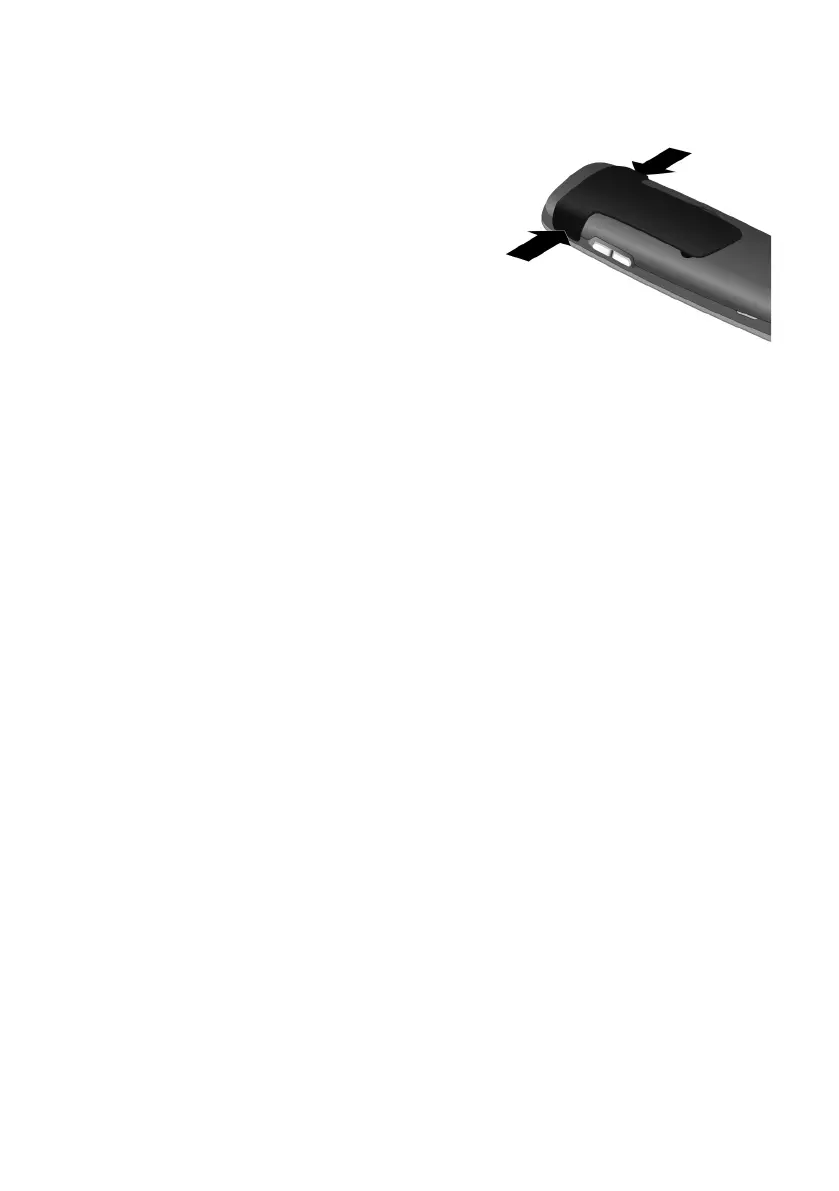
Attaching the belt clip
The handset has notches on each side to attach the belt clip.
¤ To attach — press the belt clip
onto the back of the handset so
that the protrusions on the belt
clip engage with the notches.
¤ To remove — press the centre
of the belt clip firmly with your
right thumb, push the finger-
nail of your left index finger up
between the clip and the hous-
ing and pull the clip in an
upward direction.



 To Next Page