Ì ™
02 04
Ð Ú
Ø
ŸU
Redial Menu
07:30
10:47
Ñ
07:30
10:15
ã
01234567
Mute Menu
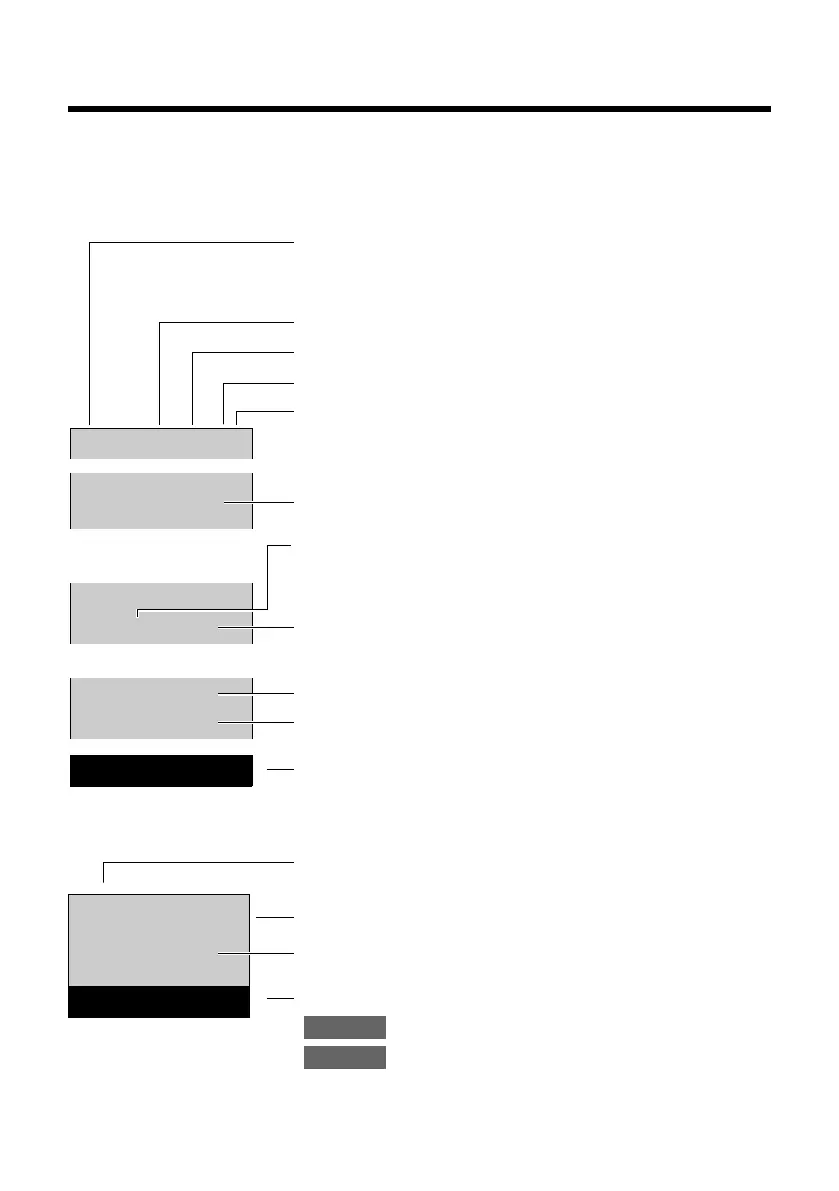
Signal strength i (¢ page 20)
or Eco Mode+
¼ (¢ page 40)
Ringer switched off (¢ page 43)
Keypad locked (¢ page 24)
Battery charging (¢ page 17)
Battery charge status (¢ page 20)
Current time (¢ page 18)
Number of new messages on network mailbox
(example: 2 new) (¢ page 37)
Number of new entries in the list of missed calls
(example: 4 new) (¢ page 37)
Current time (¢ page 18)
Alarm clock switched on and wake-up time set
(¢ page 41)
Display keys (¢ page 4)
Call duration
Line in use
Number or name of caller (¢ page 29)
Display keys (¢ page 4)
Mute the microphone (¢ page 31)
Display service information
(e.g., software version)



 To Next Page