18
First steps
Gigaset E500H / Aton CL317 / Schweiz PTT EN / A31008-M2256-F151-1-2X19 /
Version 4, 16.09.2005
Setting the date and time
Set the date and time so that the correct date and time can be
assigned to incoming calls, and so that the alarm clock can be used.
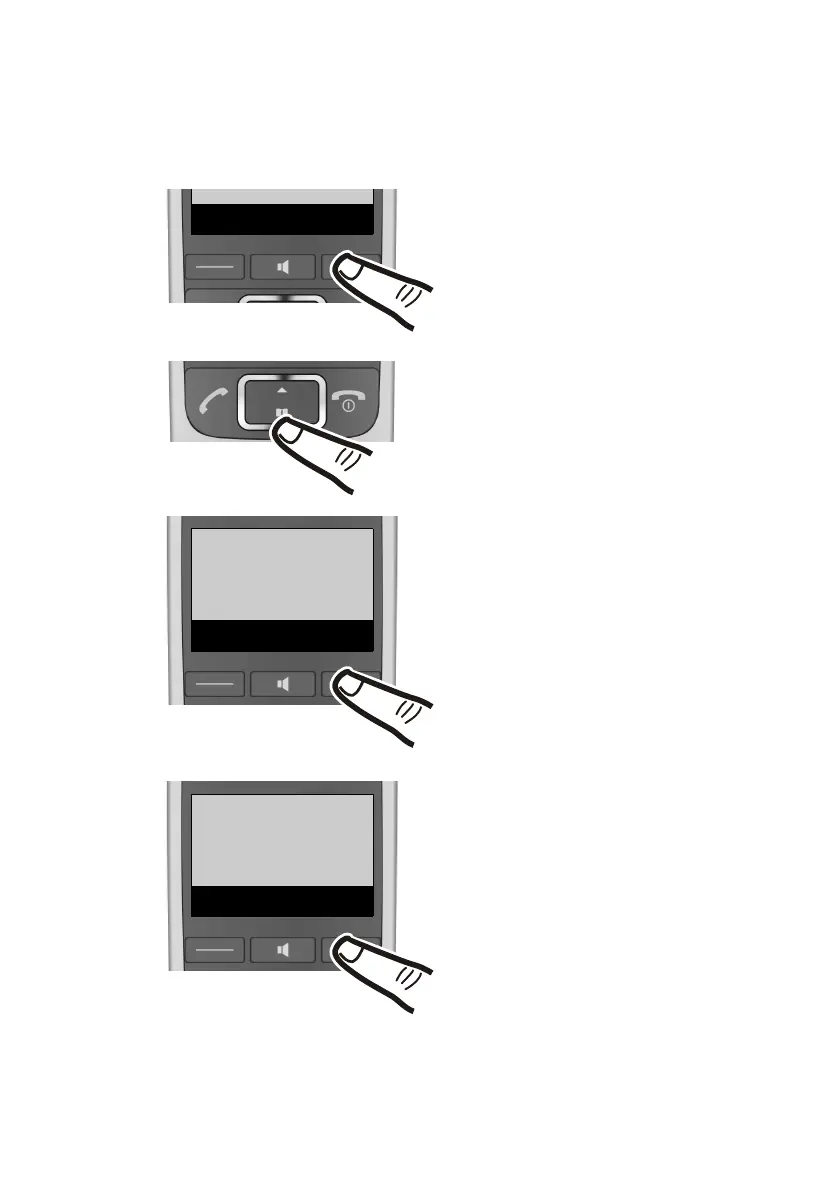
¤ Press the key below §Menu§ on
the display screen to open the
main menu.
¤ Press down on the control key ...
... until the menu entry
Ï Settings appears on the
screen.
¤ Press the key below §OK§ on the
display screen.
The menu entry Date/Time
appears on the screen.
¤ Press the key below
§OK§ on the
display screen.



 To Next Page