41
Using the handset as an alarm clock
Gigaset E500H / Aton CL317 / Schweiz PTT EN / A31008-M2256-F151-1-2X19 / T-NetBox_SAG-regis-
Using the handset as an
alarm clock
Activating/deactivating the alarm
clock
Requirement:
The time is set (¢ page 18).
§Menu§ ¤ q Alarm clock ¤ §OK§
¤ q Activation ¤ §OK§ (³=on)
After you activate the alarm clock,
the menu for setting the wakeup
time opens automatically.
Setting the wakeup time
§Menu§ ¤ q Alarm clock ¤ §OK§
¤ q Wake-up Time ¤ §OK§
¤ ~ (enter wake-up time) ¤ §OK§
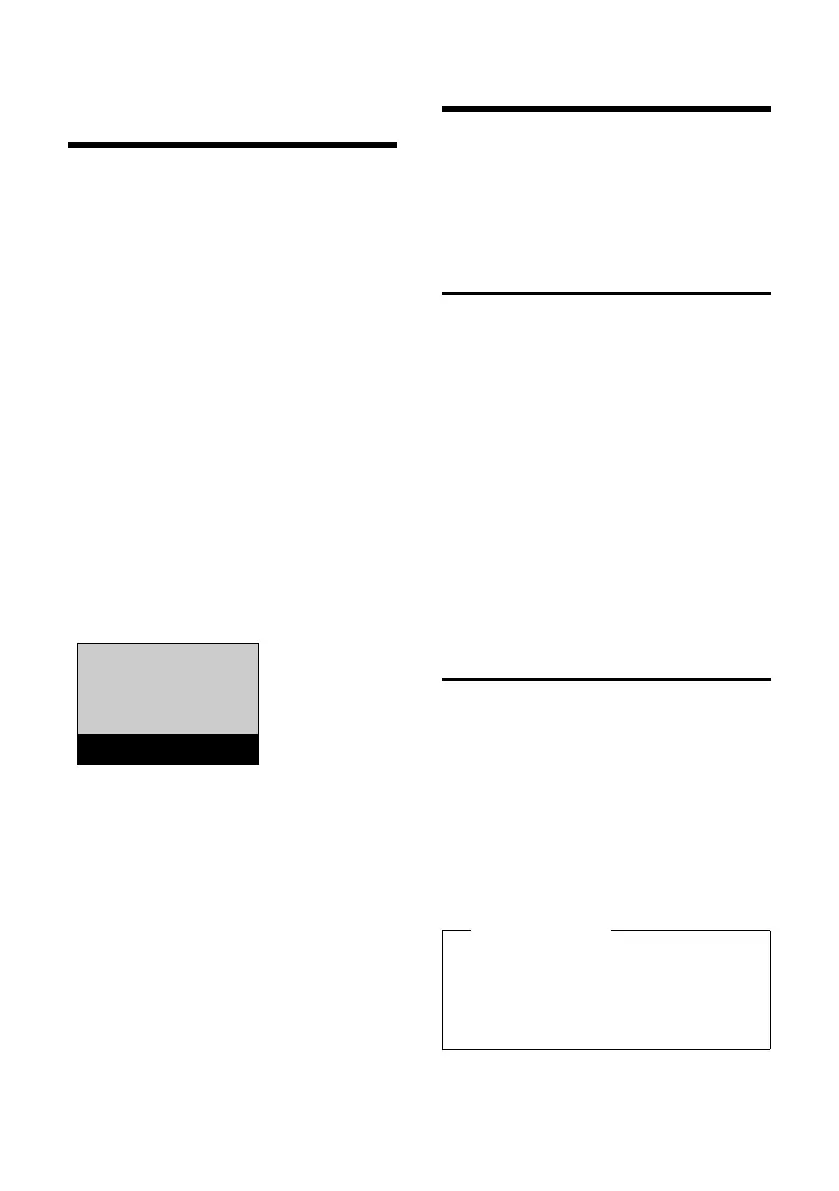
If the alarm clock is activated, you
will see the Ñ icon in the display and
the wakeup time after it.
When the alarm clock rings…
Press the display key
§Off§ or any key
to deactivate the alarm clock for
24 hours.
If you do not press any key, the alarm
clock switches off after one minute.
Handset settings
You can change the settings on your
handset to suit your individual
requirements.
Changing the display
language
You can view the display texts in dif-
ferent languages.
§Menu§ ¤ q Settings ¤ §OK§
¤ q Language ¤ §OK§
¤ q (Select language) ¤ §OK§
The current language is indicated
by ³.
If you accidentally choose a lan-
guage you do not understand:
§Menu§ ¤ 54
¤ q (Select language) ¤
§OK§
Setting jumbo font
You can improve the legibility of the
digits when you dial. Bigger digits
are displayed and only appear in
one line instead of two.
§Menu§ ¤ q Settings ¤ §OK§
¤ q Display ¤ §OK§
¤ q Jumbo Font
¤
§OK§ (³=on)
Ð U
10:47
Ñ
07:30
Redial Menu
Please note
When this function is deacti-
vated, both the time and the
internal name of the handset are
shown in the idle display.



 To Next Page