49
Appendix
Gigaset E500H / Aton CL317 / Schweiz PTT EN / A31008-M2256-F151-1-2X19 / appendix.fm /
Writing and editing
names
The following rules apply when writ-
ing names:
u Each key between Q and O is
assigned several letters and char-
acters.
u Control the cursor with t s.
u Characters are inserted at the cur-
sor position.
u Press the display key
§Delete§ to
delete the character to the left of
the cursor.
u The first letter of the name is auto-
matically capitalised and then fol-
lowed by lower case letters.
Setting upper/lower case or
digits
Repeatedly press the hash key # to
change the text input mode.
The change in mode is shown at the
bottom left of the screen.
Writing names
¤ Enter the individual letters/char-
acters by pressing the corre-
sponding key.
The characters assigned to the key
are shown in a selection line at the
bottom left of the screen. The
selected character is highlighted.
¤ Briefly press the key several times
in succession to select the
required letter/character.
Standard characters
1) Space
123 Writing digits
Abc Upper case *
abc Lower case
* First letter in capitals, all others in
lower case
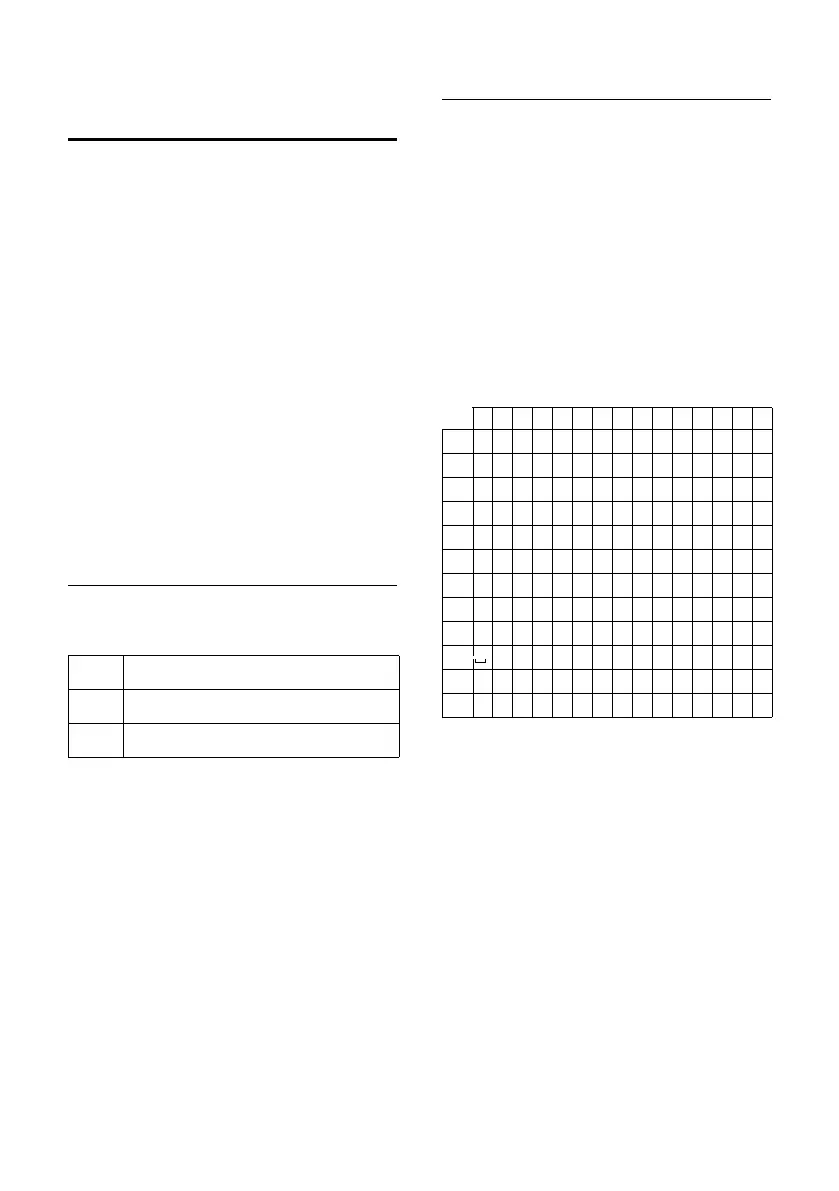
1x 2x 3x 4x 5x 6x 7x 8x 9x 10x 11x 12x 13x 14x 15x
1
1£$¥¤
2
abc2äáàâãç
I
def3ëéèê
4
gh i4ïíìî
5
jkl5
L
mno6öñóòôõ
M
pqr s 7ß
N
tuv8üúùû
O
wx y z 9 ÿ ýæøå
Q
.,?!0+-:¿¡“‘ ;_
P
* / ( ) <=>%
#
#@\ &§



 To Next Page