15
First steps
Gigaset E500H / Aton CL317 / Schweiz PTT EN / A31008-M2256-F151-1-2X19 / first_steps.fm / 07.07.2010
Registering the handset
Before you can use the phone, you must first register the handset to
the base. The registration procedure will depend on the type of
base.
Automatically registering the handset to the base
Prerequisite: The handset must not already be registered to a base.
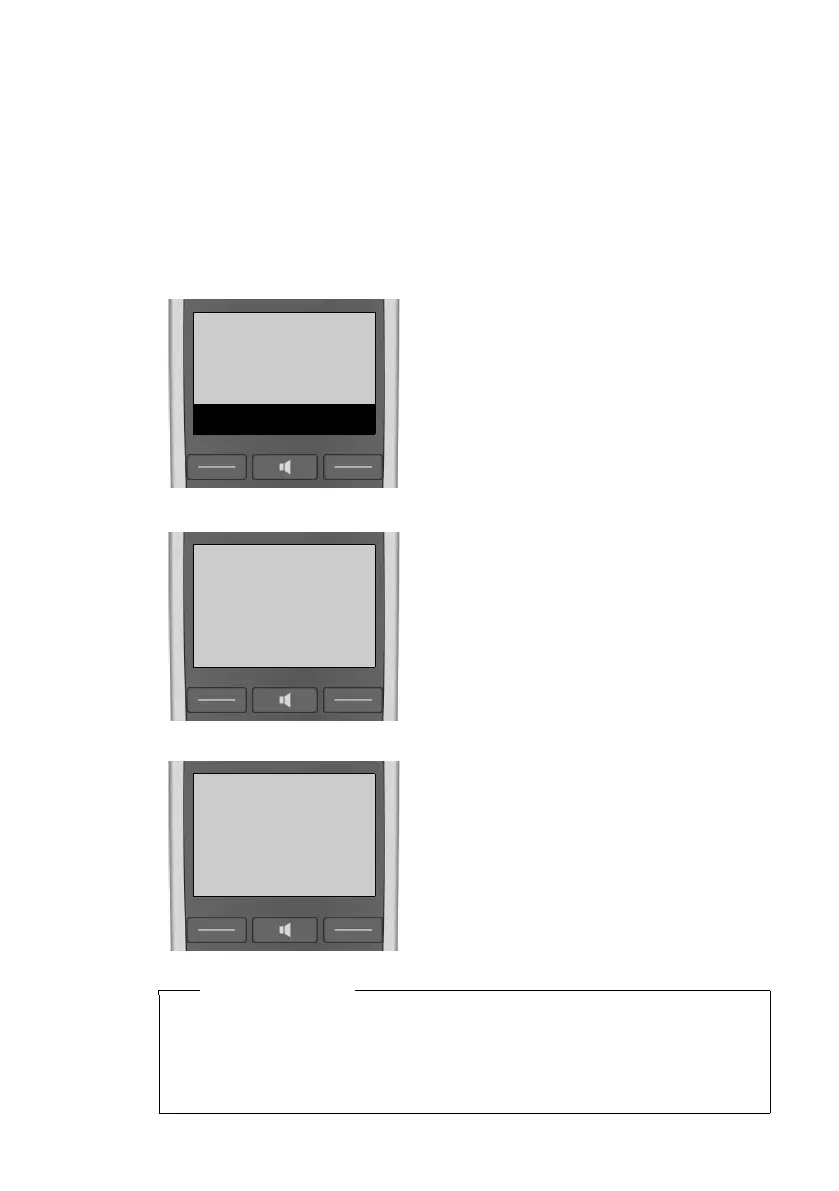
¤ Place the handset in the base
with its display facing forward.
The handset registers automati-
cally. Registration can take up to
5minutes.
Do not remove the handset from
the base during this time.
Place hand
set into base
Menu
After it has registered, the handset
display shows Handset registered
briefly and then returns to idle sta-
tus.
Please note
u Each key press interrupts automatic registration.
u If the handset is already registered to at least one base or if
automatic registration does not work, the handset will have to
be registered manually.



 To Next Page