12
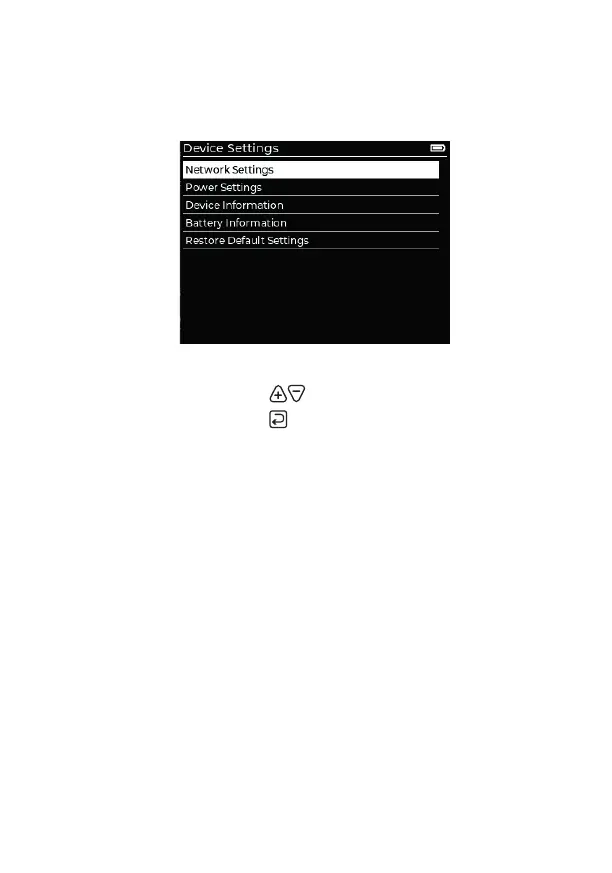
Device Settings
This app contains assorted settings related to the operation of the XMT-
500, most notably network and power settings.
General navigation
• Choose option/setting:
• Return to previous page:
Network Settings
Use to coordinate the XMT-500 interface with Art-Net / sACN networks.
• DHCP - when disabled, the IP Address, Subnet Mask and Gateway can
be edited manually to choose a static IP, otherwise these details are
granted by the network. If the XMT-500 cannot get a DHCP lease in
time, it will fallback to using the current static IP.
Power Settings
• Brightness - Screen brightness in steps of 10%. Default: 50%
• Turn Device Off After - Off / 2 Min / 5 Min / 10 Min / 30 Min / 1 Hour - of
no user input.
• Reduce Display Intensity After - Off / 15 Sec / 30 Sec / 1 Min / 2 Min -
after no user input.
Device Information - various XMT-500 internal details.
Battery Information - debug information.
Restore Default Settings - returns XMT-500 to standard settings.



 To Next Page